A digital product passport connects a product identity with information that can be accessed throughout its lifecycle. For a brand planning a rollout, the practical challenge is connecting reliable product data, physical identifiers and the people who maintain both.
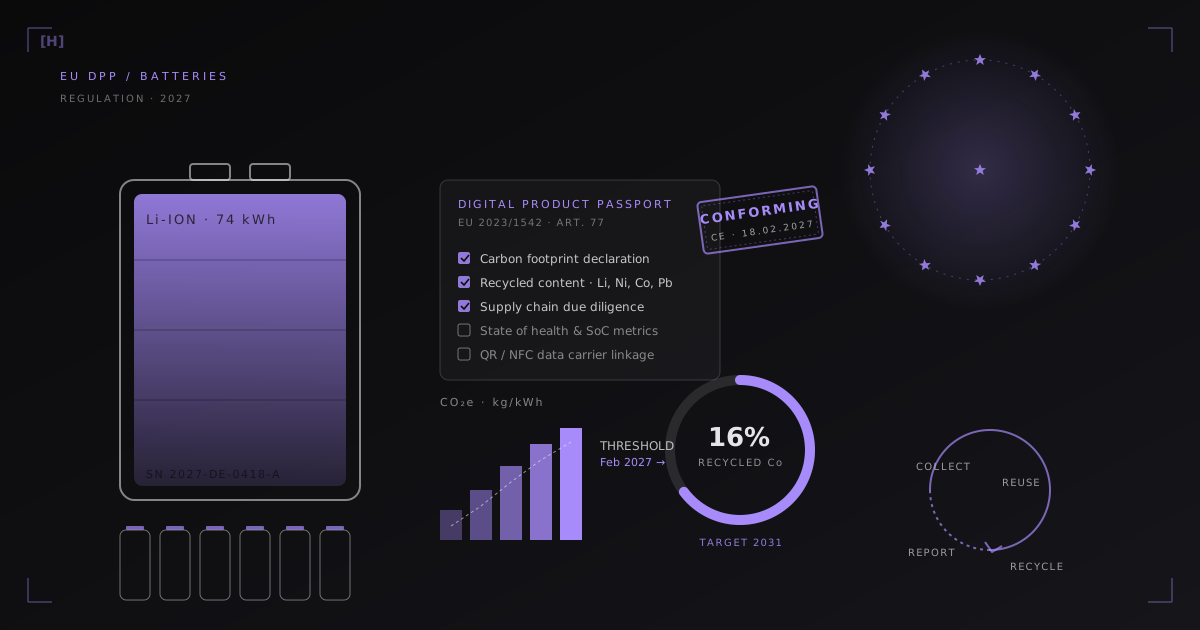
There is no single 2026 DPP deadline for every product. Battery passports have a specific start date: 18 February 2027 for the categories covered by Article 77 of the Battery Regulation. Other product groups follow their applicable rules.
The ESPR working plan for 2025–2030 lists indicative dates for adopting product rules. These are not universal dates when every manufacturer must have a passport.
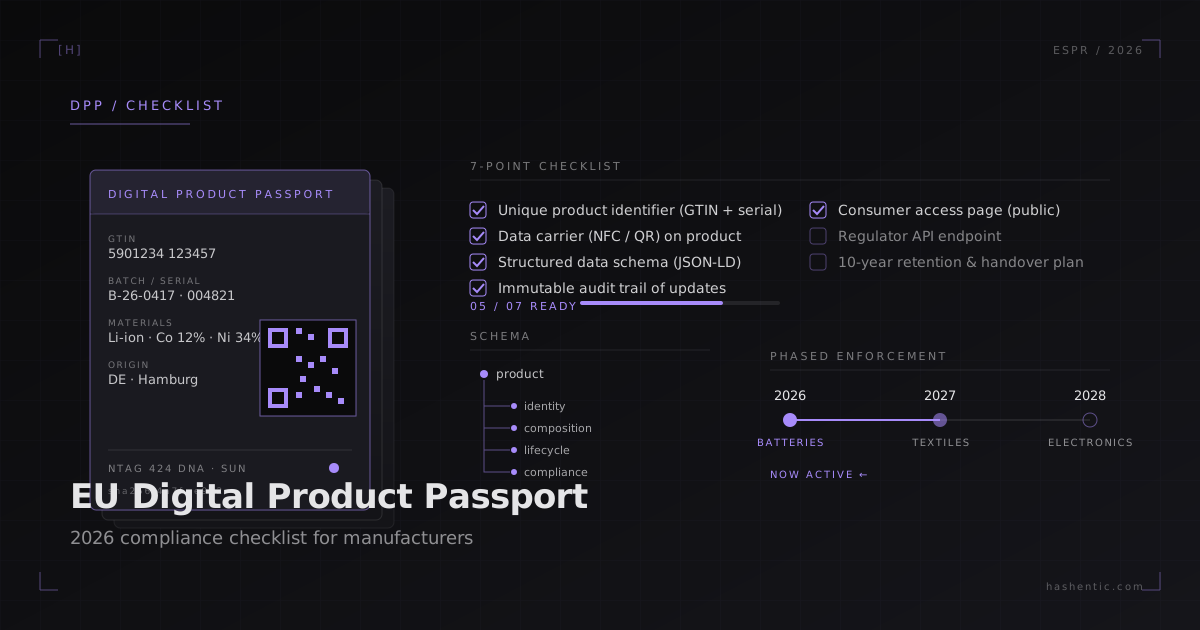
1. Confirm the rules for your product
Start with one product line. Record its category, destination markets and the rules that apply. Separate the date a rule is adopted from its application date. Keep a named owner responsible for checking changes before rollout.
2. Choose identifiers and data carriers
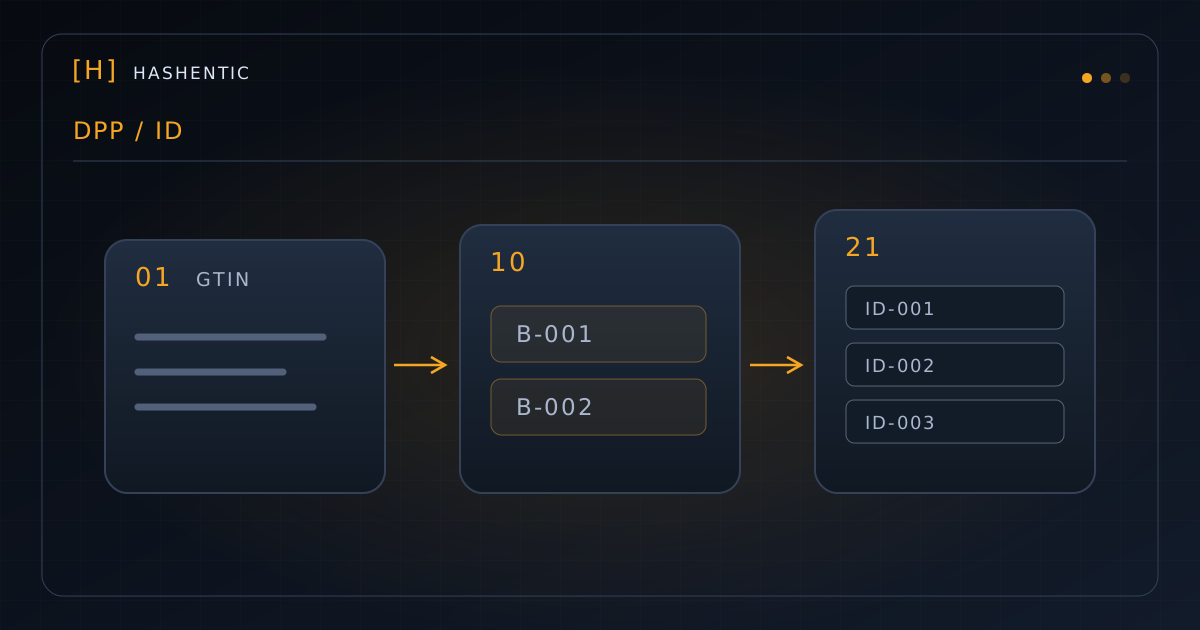
Decide whether the record represents a model, batch or individual item. Test the identifier against your packaging, printing and production process.
Check the carrier requirement separately: the Battery Regulation specifies a QR code for access to the battery passport. NFC can add another access route and, with a secure tag, a product-authentication function. It does not replace a required QR code. See Article 13 and Article 77.
Our NFC placement examples can help you plan a physical pilot.
3. Map fields to reliable data sources
List the fields required for your category, then assign each field to a source and owner. Common planning topics include product identity, materials, origin, repair information and supporting documents; this is a working list, not a universal legal schema.
Record how each value is approved, when it changes and how suppliers will correct errors. Missing evidence is a data problem before it is a software problem.
4. Design access for the intended audience
Test the passport from an actual product using a phone. Check readability, language, navigation and loading time. Separate public product information from information that requires controlled access.
Plan what happens when a QR label is damaged, a tag is unreadable or a customer needs support.
5. Establish update and retention processes
Define who can change a record and how the team reviews corrections. Plan for repairs, ownership changes and product retirement where relevant.
Hashentic combines configurable product records with verification and workflow tools. Explore the platform and authentication technology to identify which parts fit your process. Blockchain is an implementation choice, not a general DPP requirement.
6. Validate language and accessibility
List the markets and languages your rollout needs. Have someone familiar with the product review translated terminology and instructions. Test the page with keyboard navigation and on common phone sizes.
7. Run a measurable pilot
Start with a limited batch. Track scan success, data completeness, time needed to correct a record and the customer questions the passport generates. Use the results to set the next rollout milestone.
Hashentic provides identifiers, configurable fields, branded verification pages and integrations. Your team remains responsible for the accuracy of its product data and the requirements that apply to it.
Explore the DPP platform or request a product-specific demo to plan a pilot around your products and systems.