Your customers
23 The consumer verification page
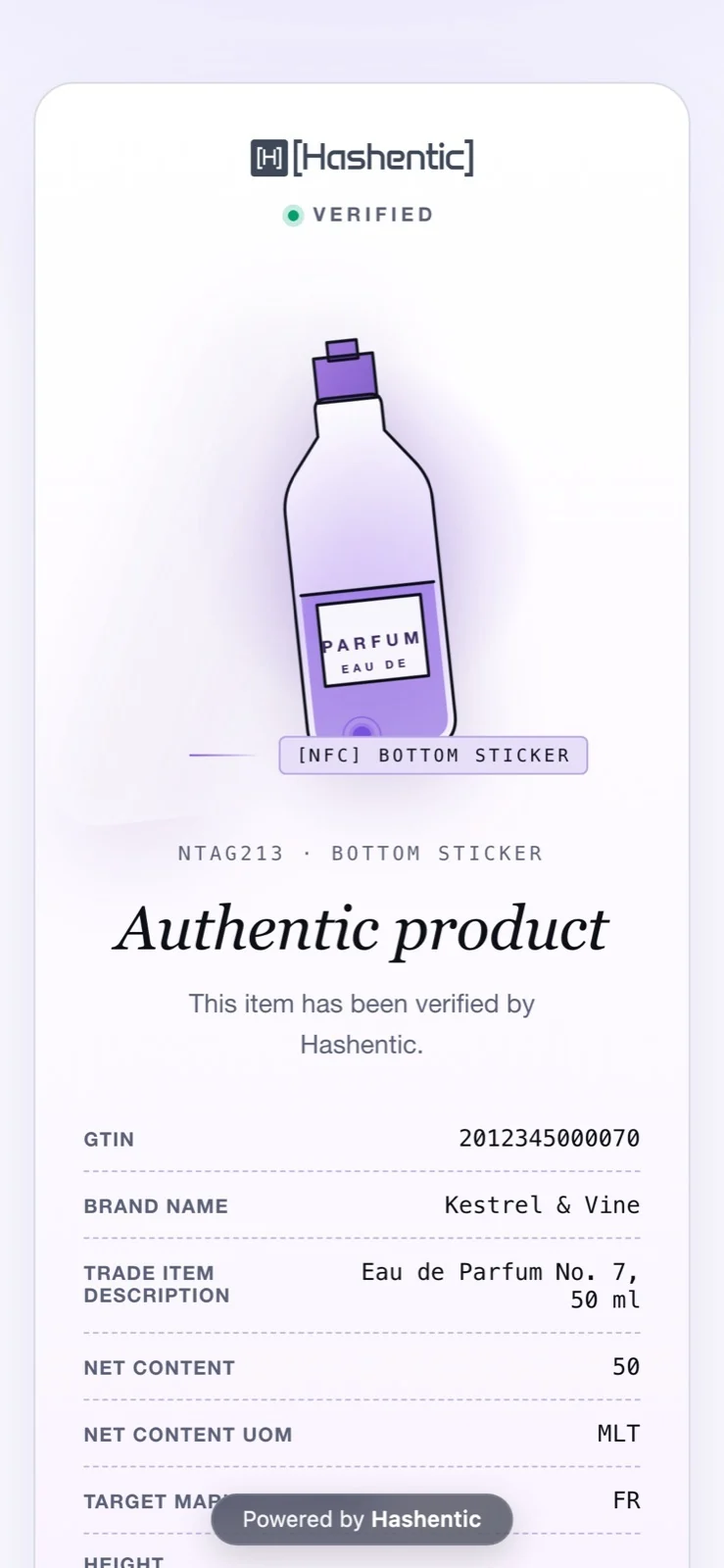
What your customer experiences after tapping the tag or scanning the code: an instant answer, in your brand's design, and a reason to stay.
本章节暂未提供中文版本,您正在阅读英文版本。
What happens on a scan#
- The tag or code opens your verification link. A secure NFC tag adds a one-time cryptographic code to it.
- Hashentic checks the product, the tag and its counter, and records the scan with time, location and device.
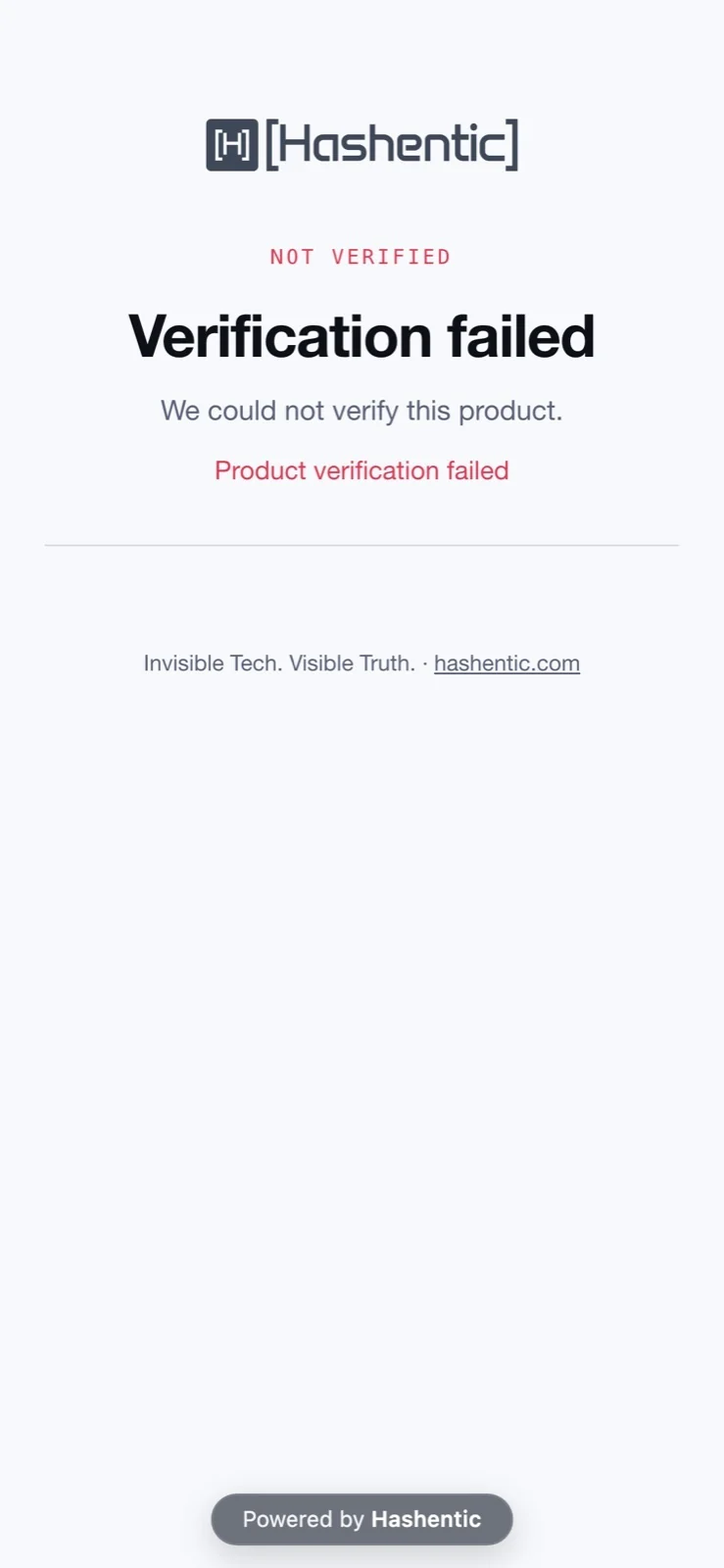
- The customer sees the asset's verified page, or an auth template that matches the scan's tag type, label or country. Failed scans show the unverified page, or the page of a failed page rule that matches the failure reason, tag type or country. A page with several languages opens in the language of the visitor's browser.
- Workflows with the On verify trigger run, and fraud detection takes the scan into account.
On the page#
- Your design from the gallery, the block builder, your own HTML or your website.
- Your customer's language: templates you translated open in the visitor's browser language; the built-in page speaks the six admin panel languages.
- Ask about this product: the AI assistant answers in the customer's language, using only public information. It never confirms authenticity itself; that is the scan's job.
- Bot protection (Cloudflare Turnstile or Google reCAPTCHA) guards the AI assistant and forms, never the verification itself.
- Documents button: downloads of the public manuals and certificates for the product.
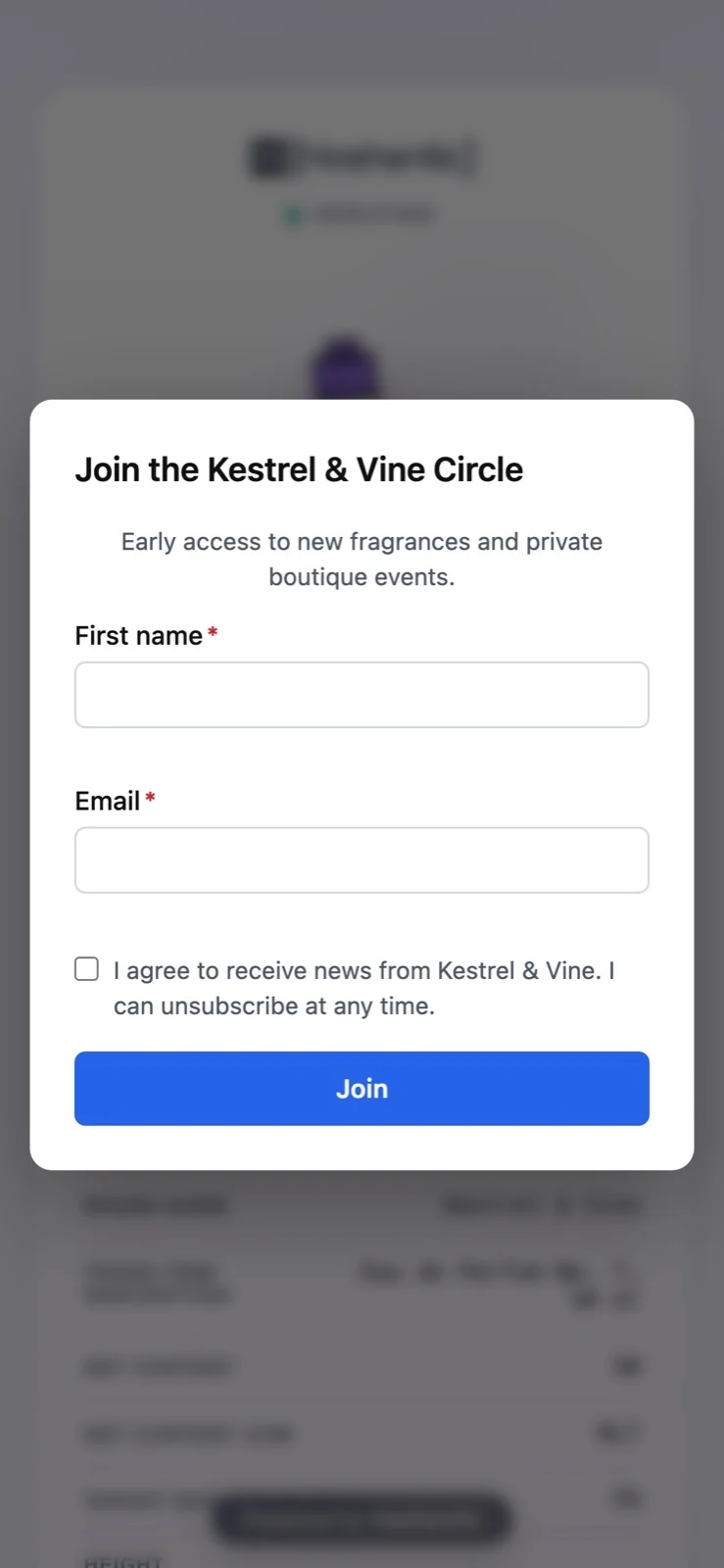
- Forms: warranty registration, sign-ups, repair requests, with consent checkboxes linked to your privacy policy and terms.
- The assistant and forms work in English, German, Spanish, Polish, Russian and Chinese, following the visitor's browser.