Catalog
11 Assets and fields
An asset is a product line: the blueprint every item of that line follows. Its page brings together the fields, the verification page, documents, labels, forms, workflows and fraud rules of the line.
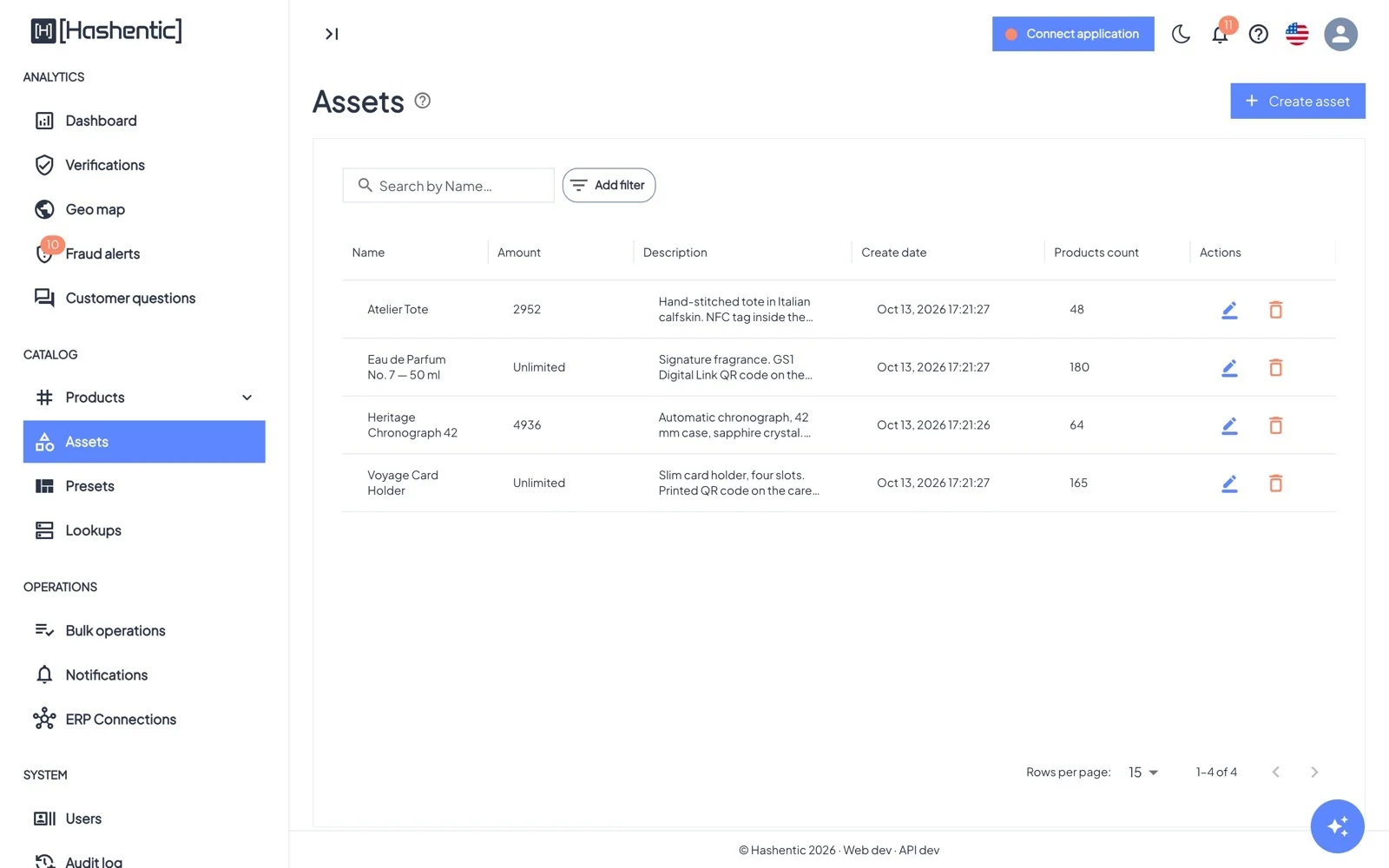
Creating an asset#
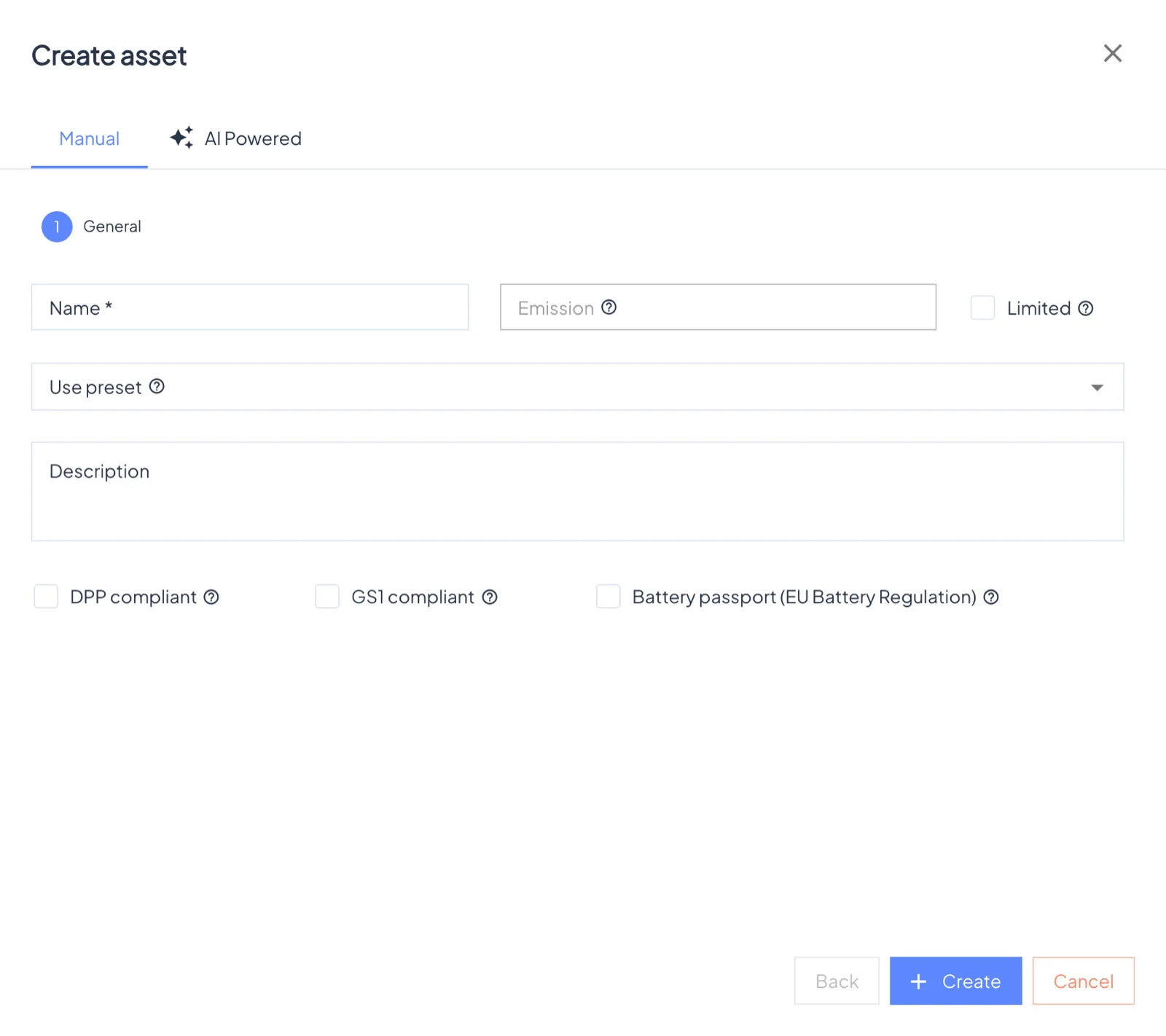
Create asset opens a short form: Name (at least 4 characters), an optional Amount with Limited to cap the number of products, an optional preset to copy fields and a template from, and a Description.
Three options add compliance steps to the form:
- GS1 compliant: GTIN, brand name, trade item description, net content and target market, with Find product by GTIN to fill them in.
- DPP compliant: Digital Product Passport data, the economic operator and circularity & sustainability information.
- Battery passport (EU Battery Regulation): adds the battery passport fields.
The AI Powered tab drafts the fields and a page template from a short description of the product.
The asset page#
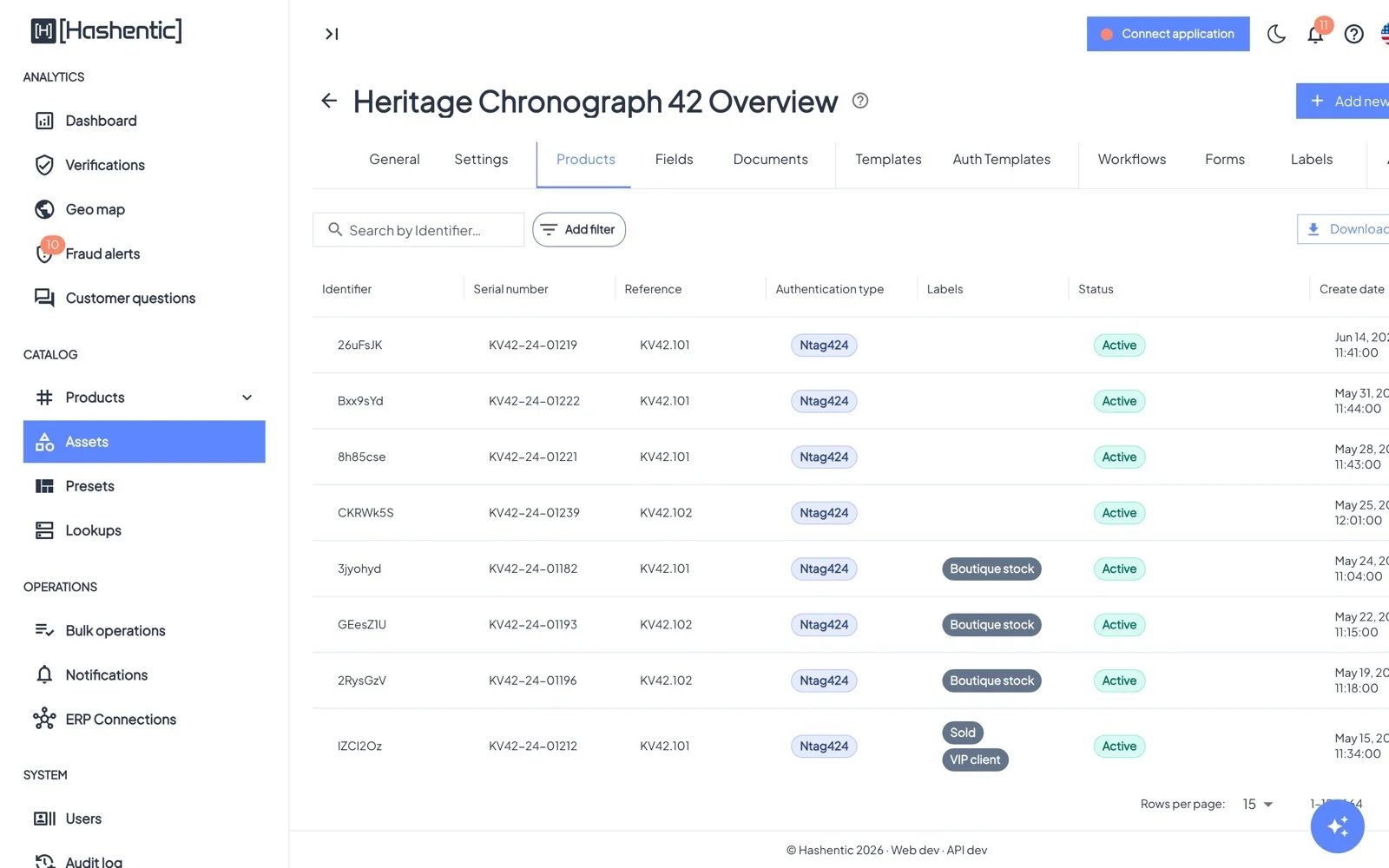
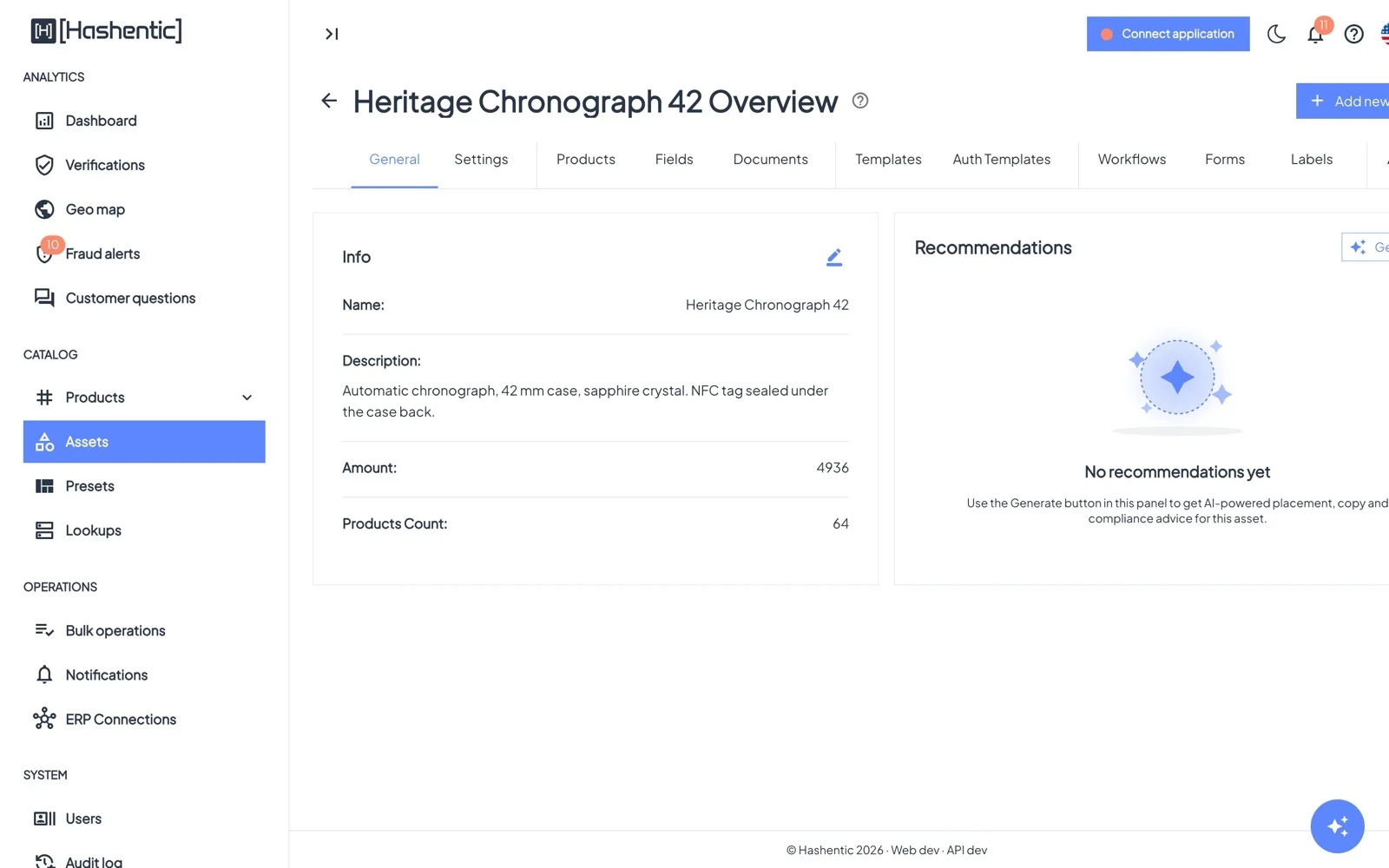
Tabs: General · Settings · Products · Fields · Documents · Templates · Auth templates · Workflows · Forms · Labels · AI analysis. The button Add new product at the top starts tagging with this asset already selected.
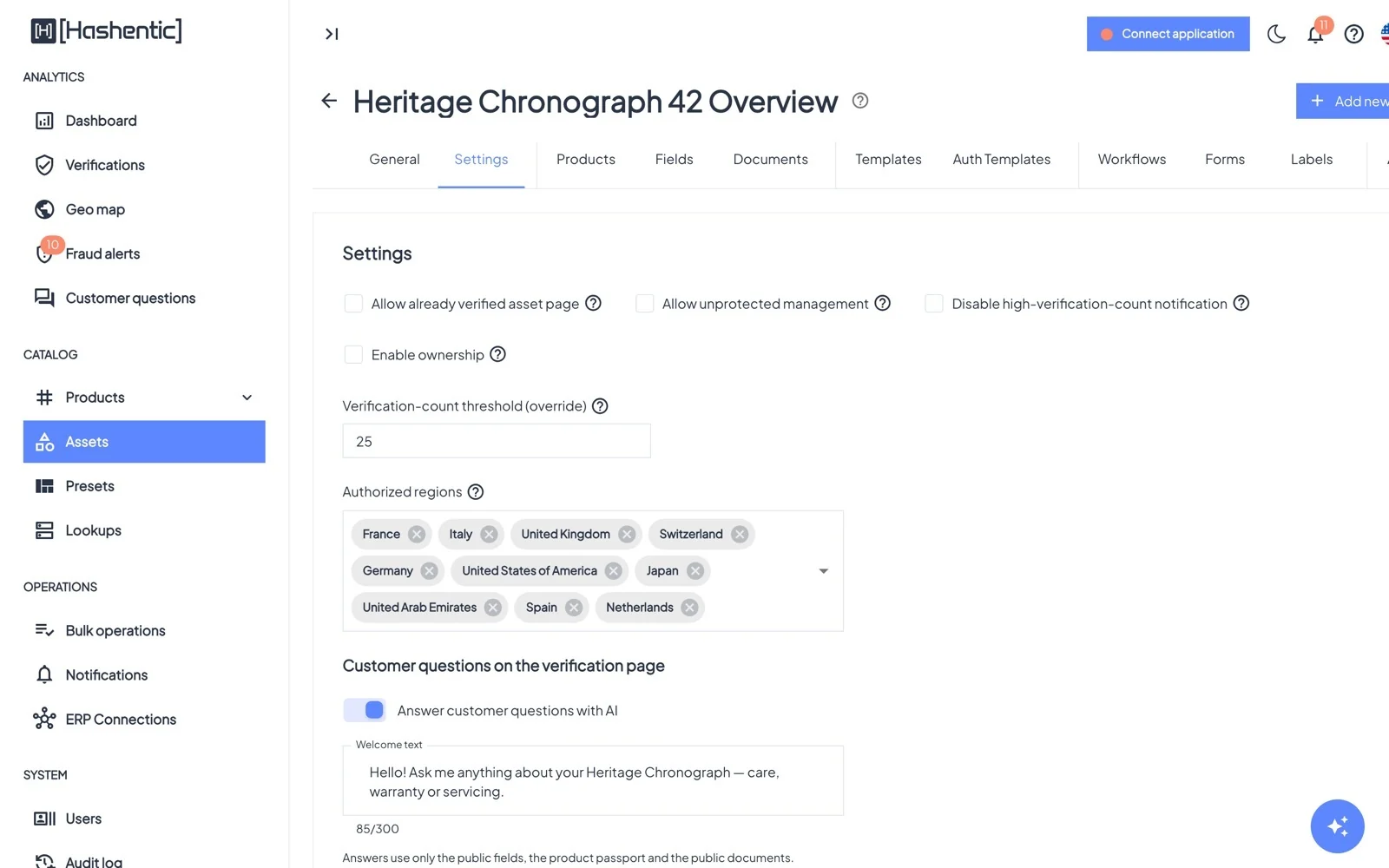
| Asset setting | What it does |
|---|---|
| Allow already verified asset page | When a secure tag link is opened again, a designed page is shown with the notice "Product is not verified. Current url used more than once." instead of the failure page. Useful when customers re-open the page to look up product info. |
| Allow unprotected management | Lets staff update, block or delete products with secure NFC tags without tapping the tag, and makes the asset available for bulk updates by query. |
| Disable high-verification-count notification / threshold | Controls the notification sent when one tag is scanned unusually often. |
| Authorized regions | Countries where this line is sold. Repeated genuine scans elsewhere raise a Gray market alert. |
| Answer customer questions with AI · Welcome text | The AI assistant on this line's verification page and its greeting. |
| Enable ownership | Records product ownership (with the Product ownership license feature). |
Fields#
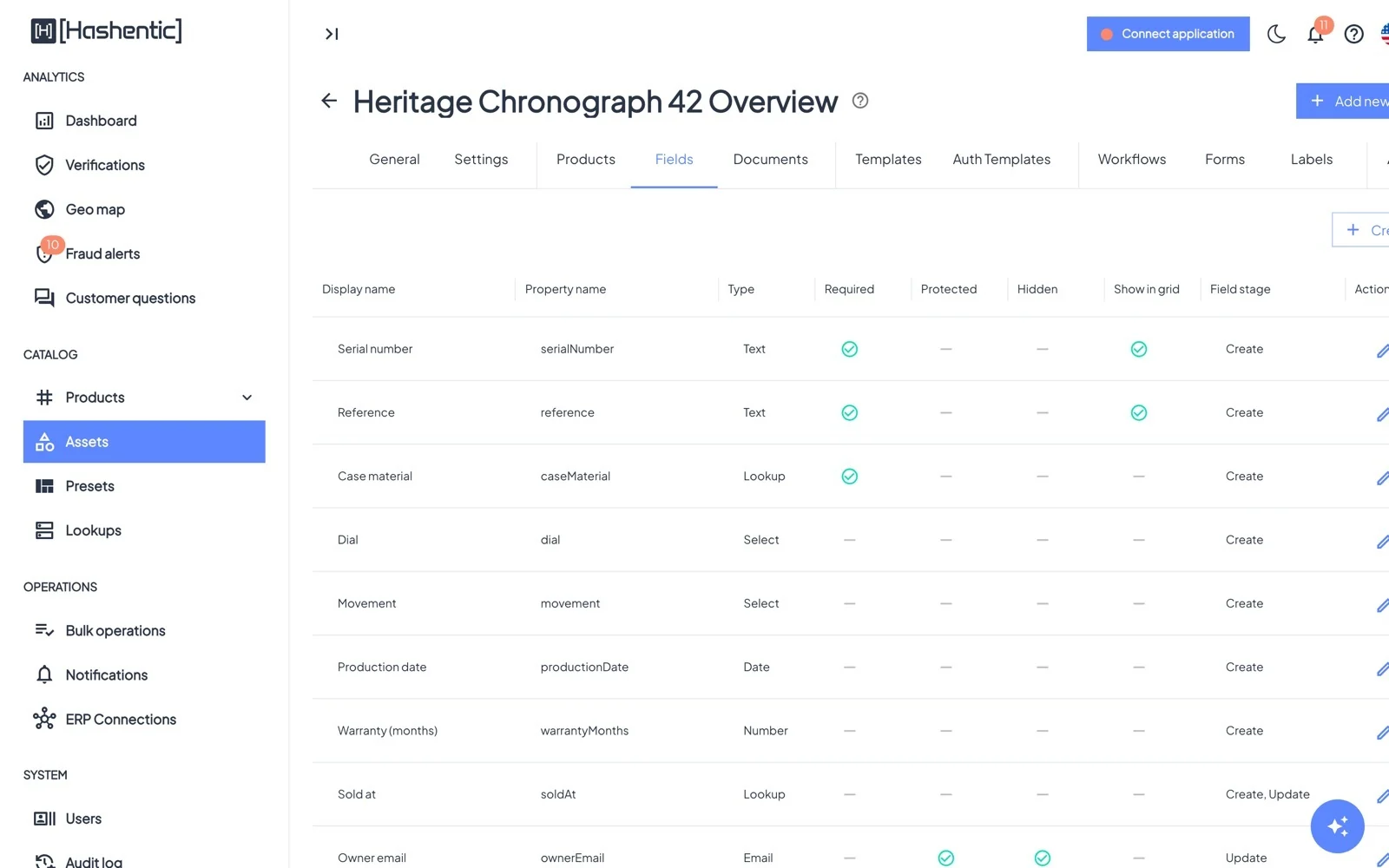
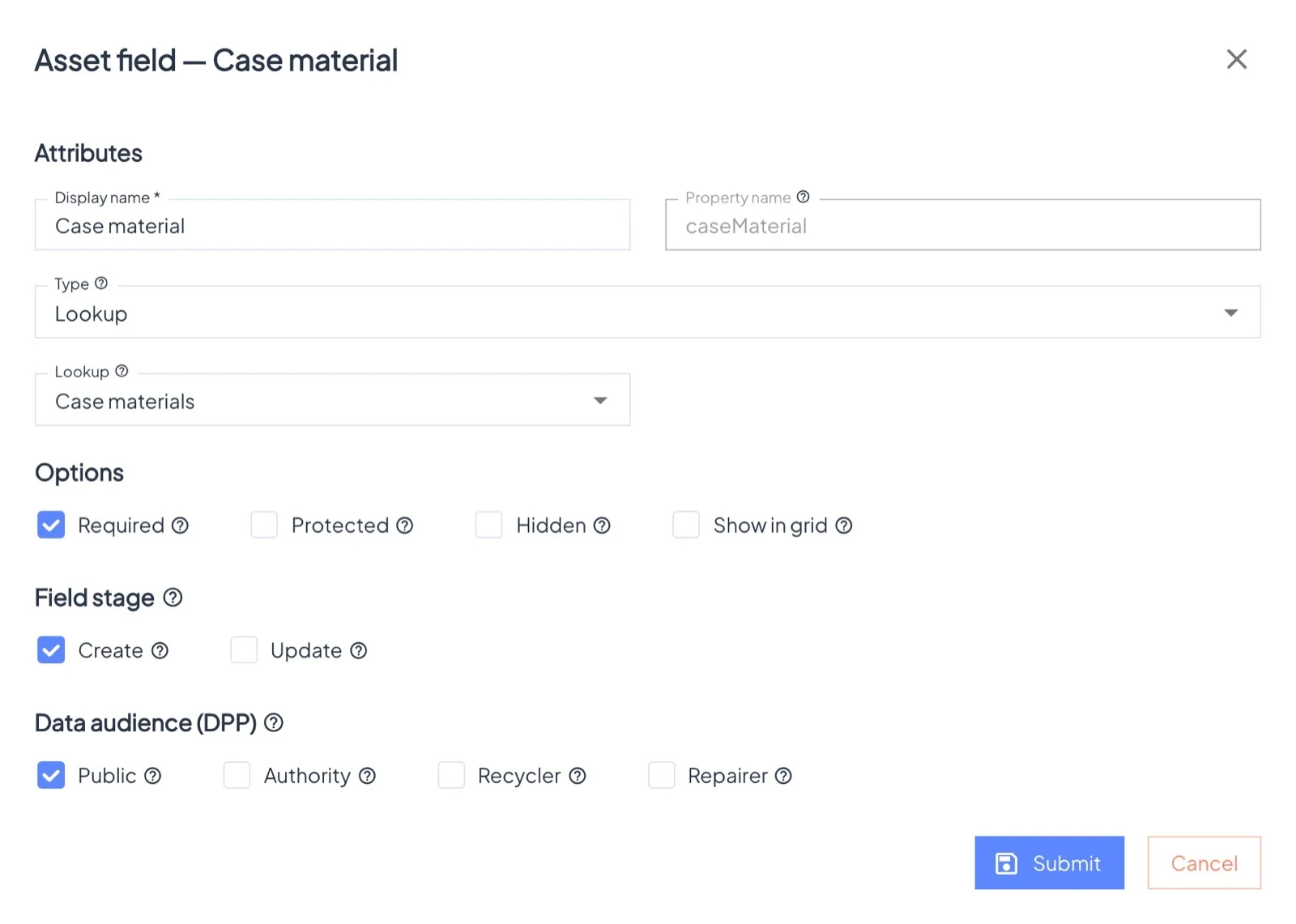
Types: Text, Email, Number, Select (your own list of options), Lookup (values from a lookup), Date and Checkbox, each with its own checks (length, pattern, min/max, only past or future dates).
Options#
- Required: must be filled.
- Protected: stored encrypted and excluded from search. Use it for personal data such as an owner's email.
- Hidden: not shown to customers on the default page.
- Show in grid: a column in the asset's product list.
Field stage: Create fields are filled when the product is made; Update fields can be changed later (for example "Sold at"). Data audience decides which Digital Product Passport partners (Authority, Recycler, Repairer) may see a field.