PRODUCT MANAGEMENT
Keep products up to date
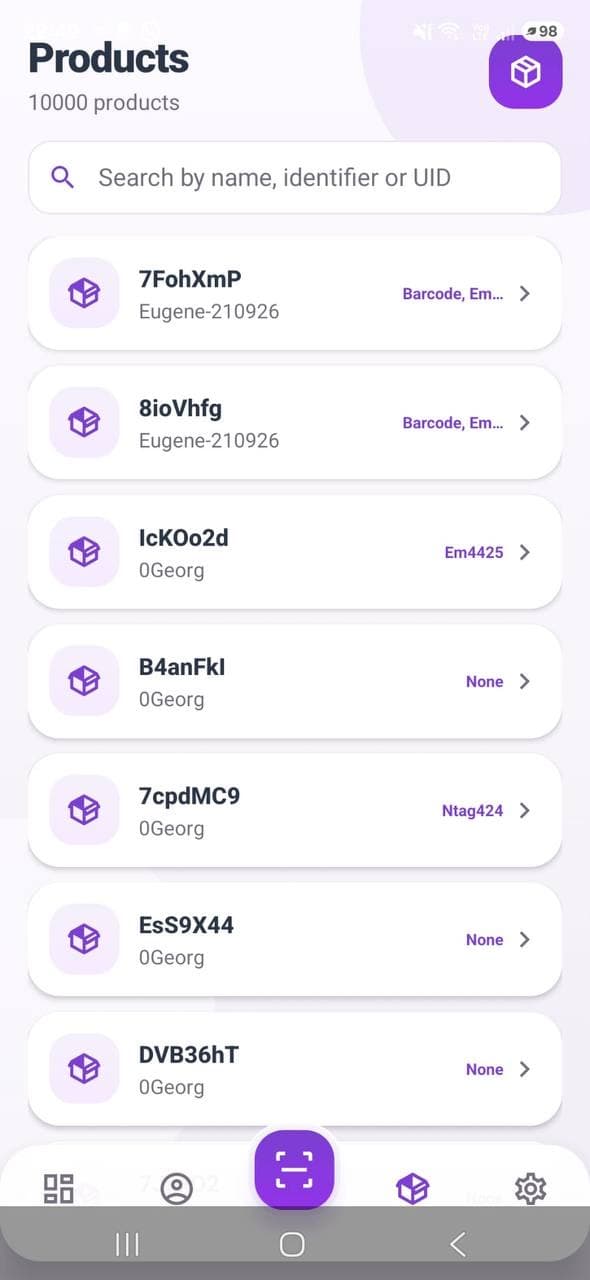
Search your catalog, open product records and edit available fields with the permissions assigned to your account.
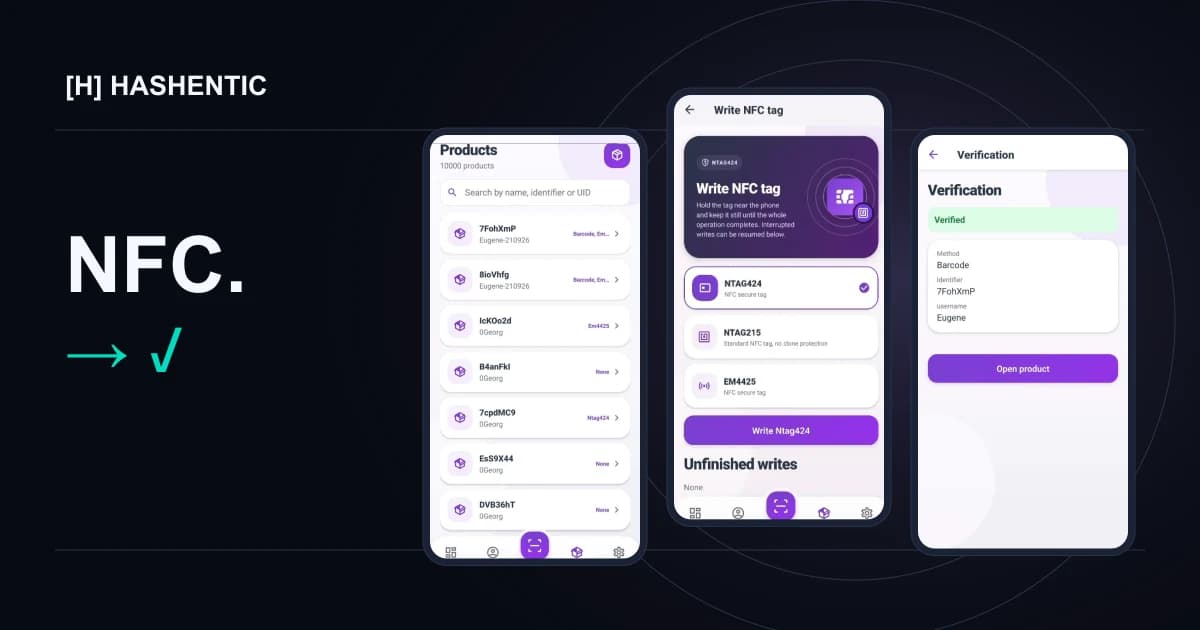
Write tags. Update products. Verify with a tap. Bring your Hashentic workspace to the product, wherever work happens.
Available only through the Hashentic web app with an active license. NFC writing requires a compatible phone and a supported tag.
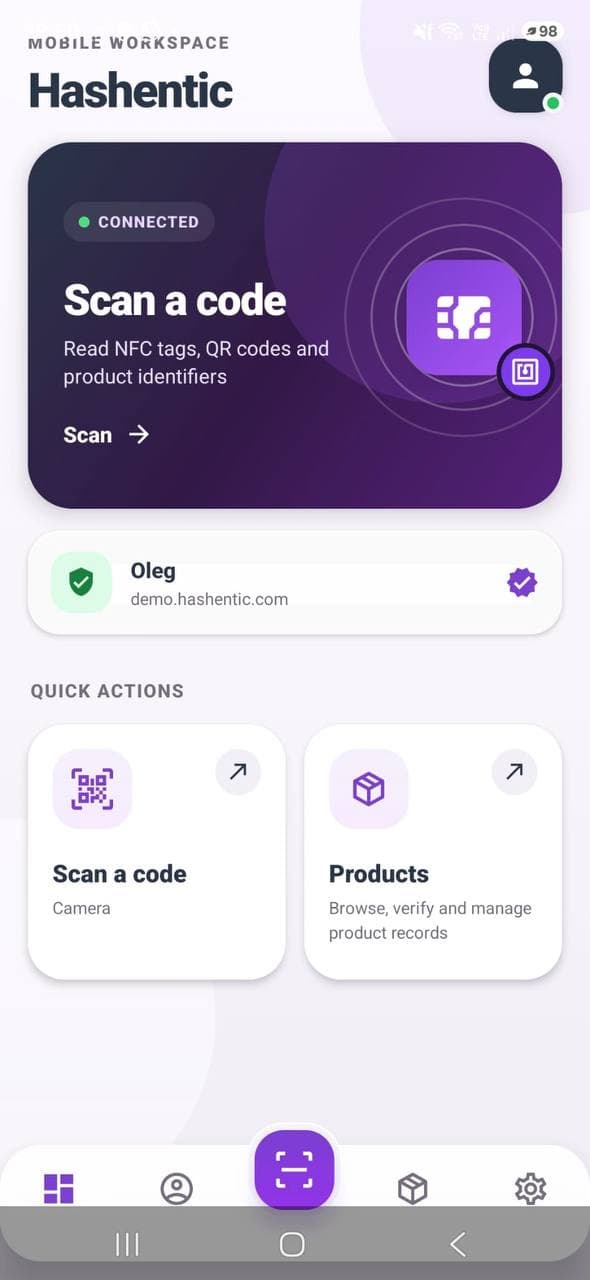
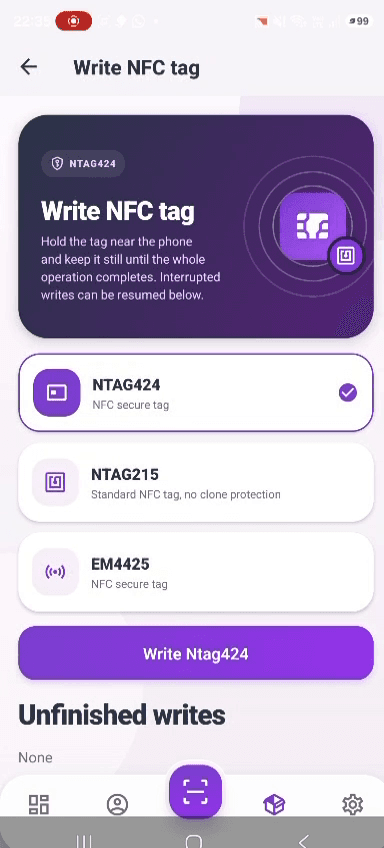
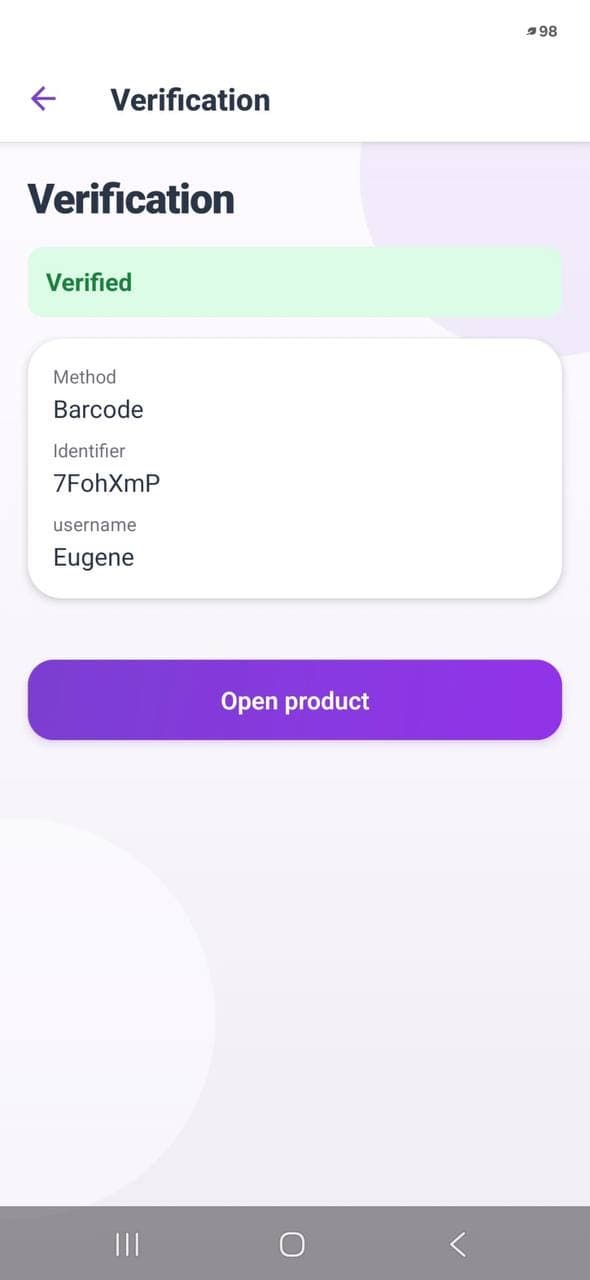
Follow the product through three steps. Explore the actual app screens, or play the walkthrough.
Screens shown in English. The verification method depends on the tag or code you scan.
Your catalog, right where you need it.
The tools your team needs, together on the phone already in their hands.
Search your catalog, open product records and edit available fields with the permissions assigned to your account.
Read NFC tags, QR codes and product identifiers. Move from a physical item to its record without switching workspaces.
Keep saved accounts at hand and protect access with app lock. Check NFC availability directly on the device.
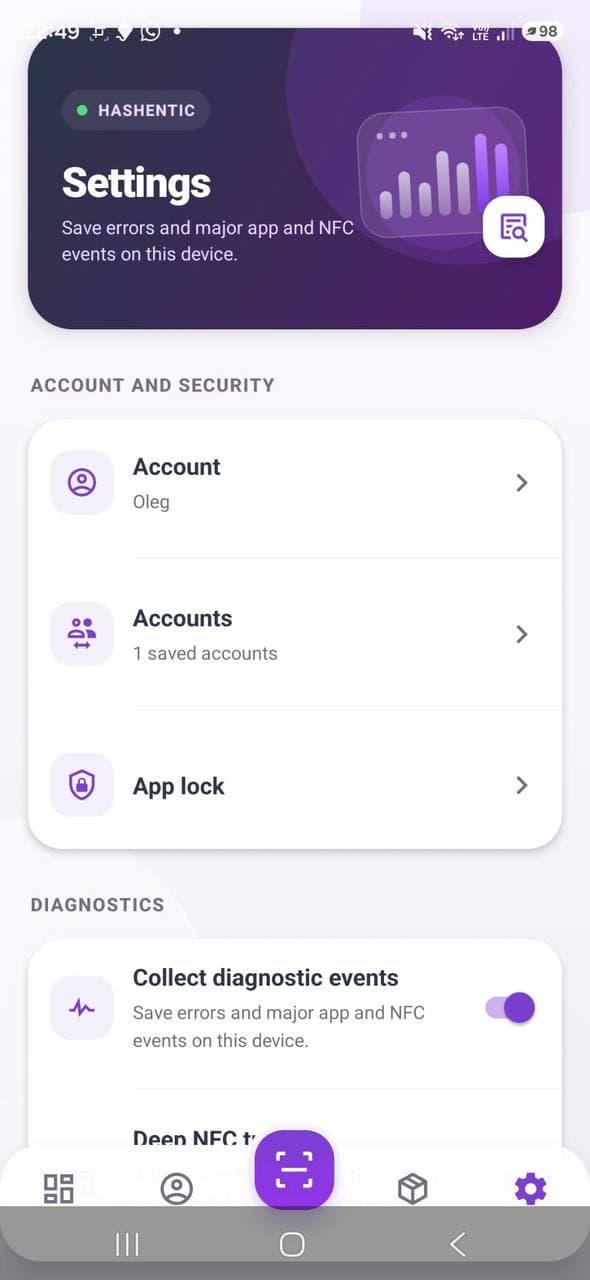
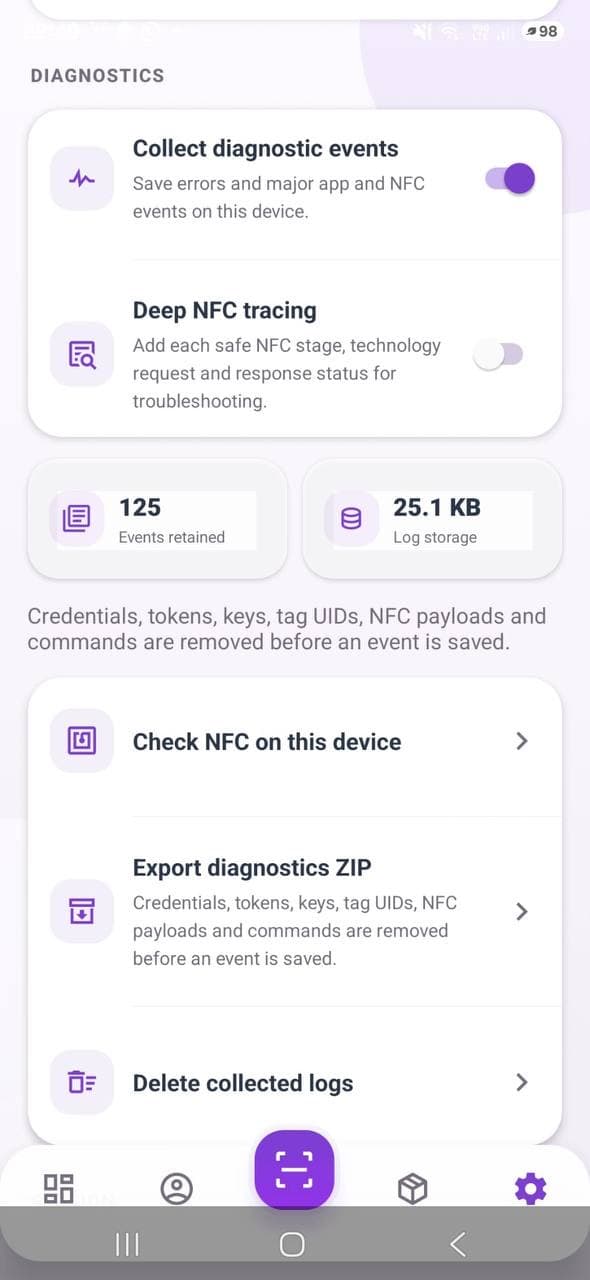
Collect device events, inspect NFC stages and export diagnostics for support. Sensitive values are removed before events are saved.
A short recording from the app: select a tag type, follow the writing prompts, check the result and return to the product.
App recording · no audio · original workflow
NFC must be available and enabled for reading and writing NFC tags. Camera scanning is used for QR codes and barcodes.
Choose the tag type that fits your product and security needs. The demonstrated app includes NTAG424, NTAG215 and EM4425 options.
Access the mobile app through the Hashentic web app with an active license. Use an account with the appropriate product permissions and a network connection for server operations.
No. For the supported mobile workflow, a compatible NFC phone writes the tag. You need the app, a supported tag and access to your Hashentic workspace.
Yes. Open a product record and edit the available fields when your account has the required permissions. The same app gives you access to tag writing and verification.
No. A QR code or barcode identifies a record; the result depends on the verification method. Secure NFC verification also depends on a supported chip and its configuration. The app shows the method used.
The mobile app is currently available only through the Hashentic web app and requires an active license. Access it from your licensed web workspace.
Already have an active license? Access the mobile app from your Hashentic web workspace. Explore the licensing details to get started.