Catalog
14 Labels and forms
Labels mark the state of products and tags; forms let customers send you information from the verification page.
Labels#
Where Asset → Labels tab Limit 15 labels per asset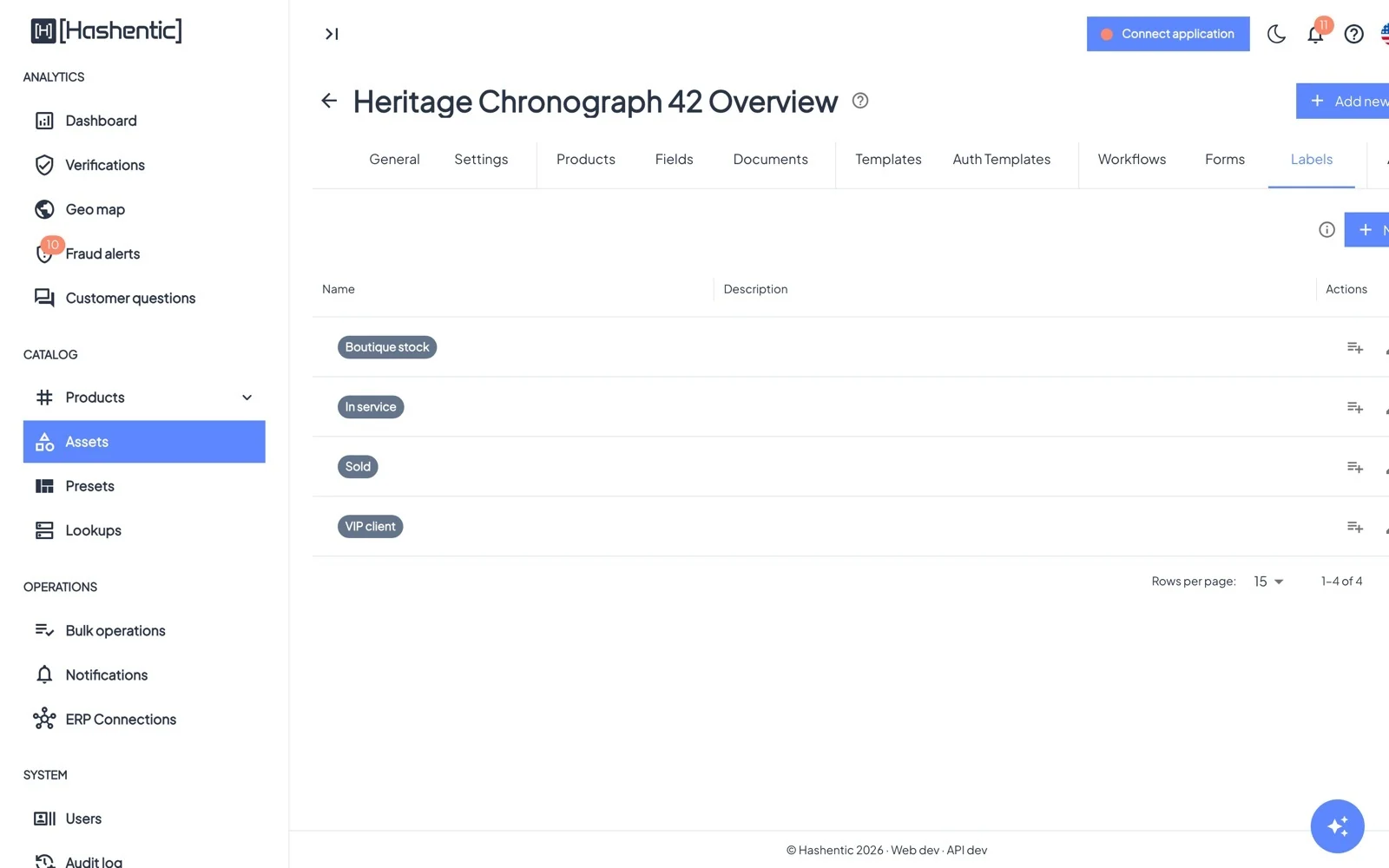
Create labels with New label (name, color, description), for example Boutique stock, Sold, In service. Apply them on the product page, in bulk with Bulk apply / remove, or from workflows.
Labels can choose a different verification page (auth templates), decide which customers see a form, limit a workflow's scope, and filter product lists.
Forms#
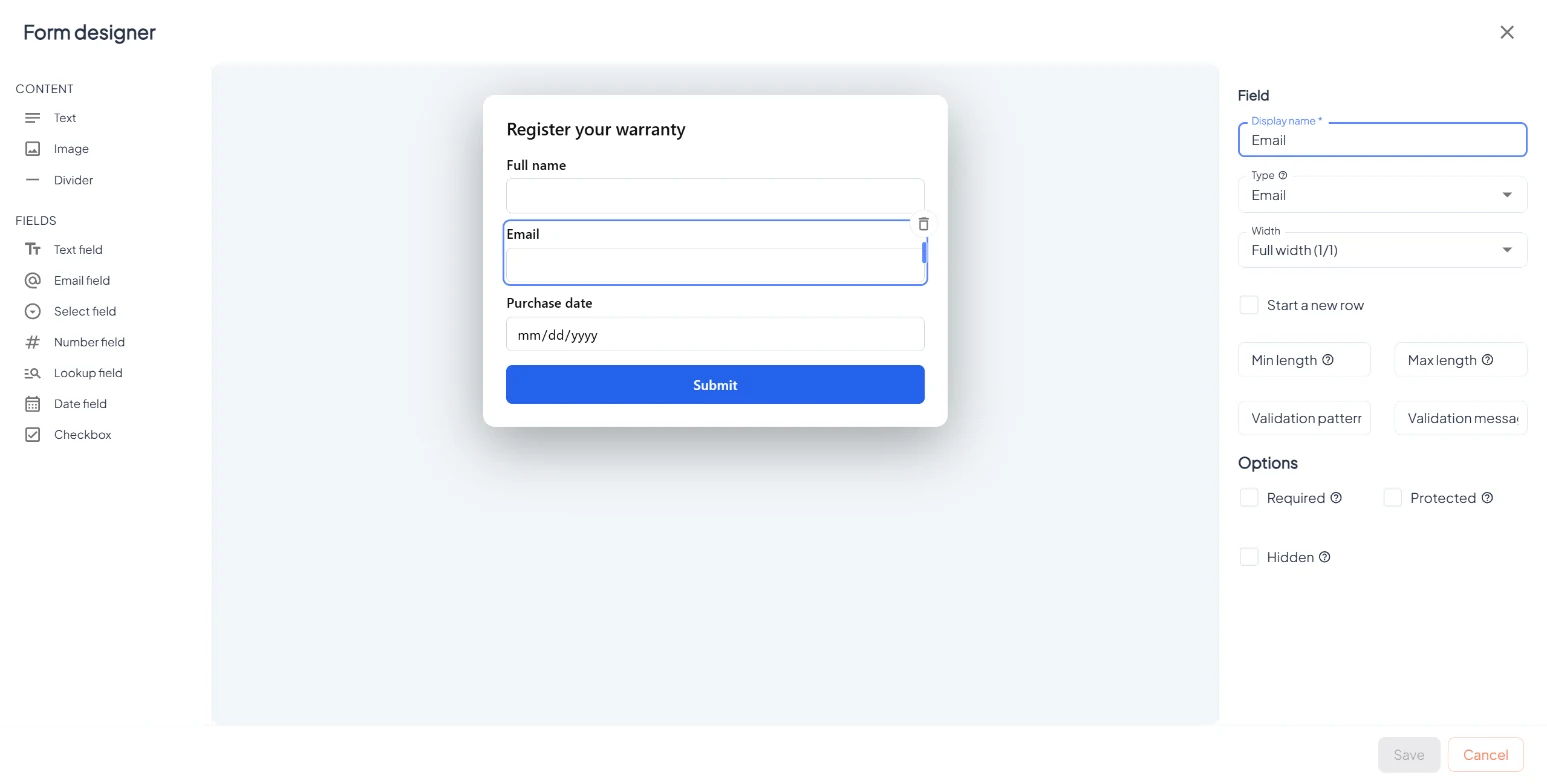
Where Asset → Forms tab License Asset formsForms appear on the verification page after a scan: warranty registration, newsletter sign-up, repair requests. New form opens the form designer with text, image and divider blocks, all field types and an optional GDPR consent checkbox.
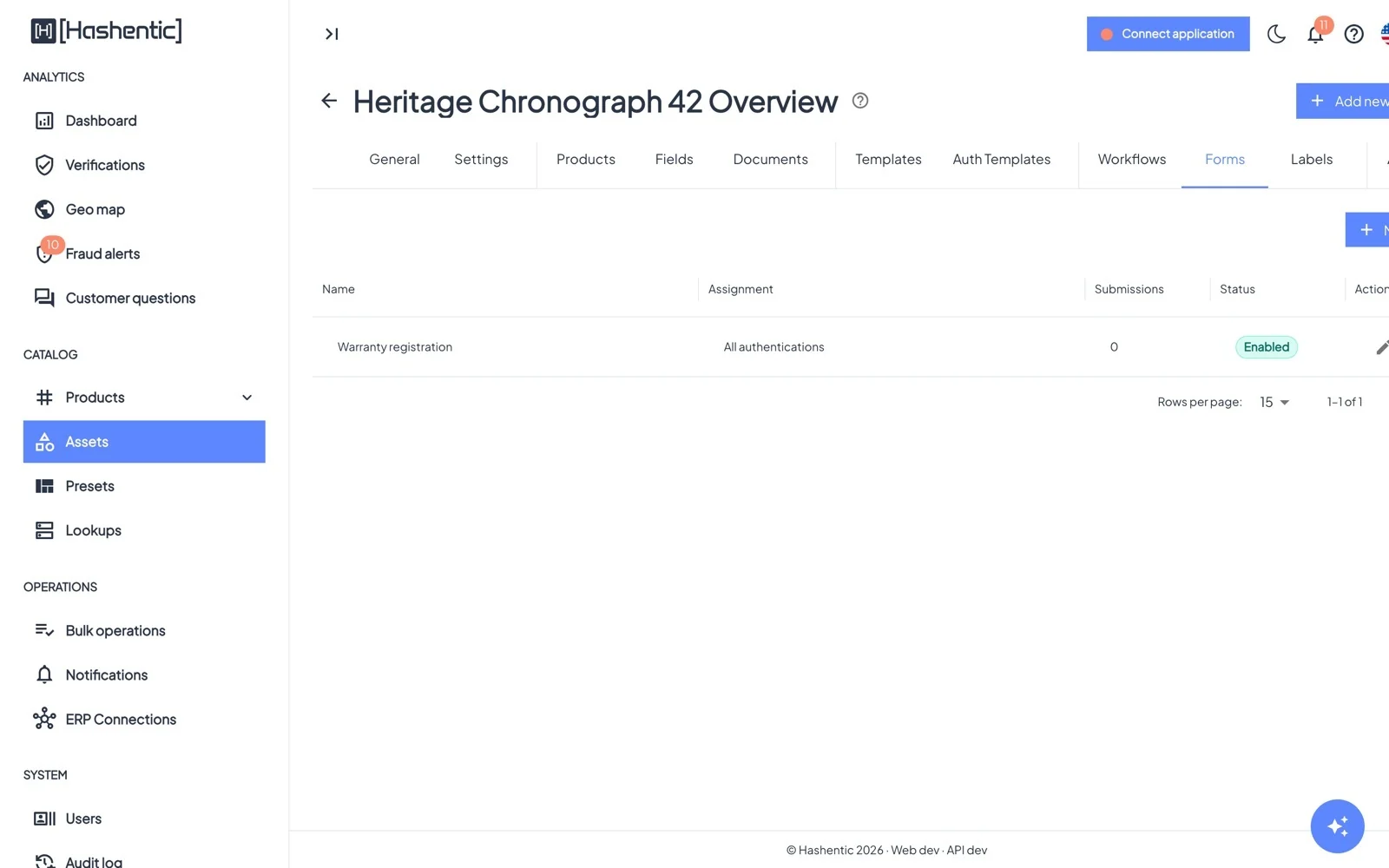
- Show this form to: all authentications, a tag type, or products with a given label.
- Allow only one submission per authentication and Allow the customer to skip this form.
- Show after delay (ms) lets the page load first.
- Submissions: see every answer with product and date, and Download submissions (CSV).
- A submission can start a workflow (trigger On form submit).