Guide · Automation
32 Block cloned tags automatically
Let Hashentic act on its own when the fraud engine is sure: block the tag and alert the team, at any time of day.
Este capítulo todavía no está disponible en Español, por lo que está leyendo la versión en inglés.
- Open the asset, go to the Workflows tab and click New workflow. Name it Counterfeit response.
- Click Add a trigger and choose On fraud detected. In its properties set Minimum severity to High.
- Click Add step → Add notification. Choose the Custom message template, write a title and text, and set Level override to Critical.
- Add another step: Block authentication.
- Make sure Enabled is on and click Save.
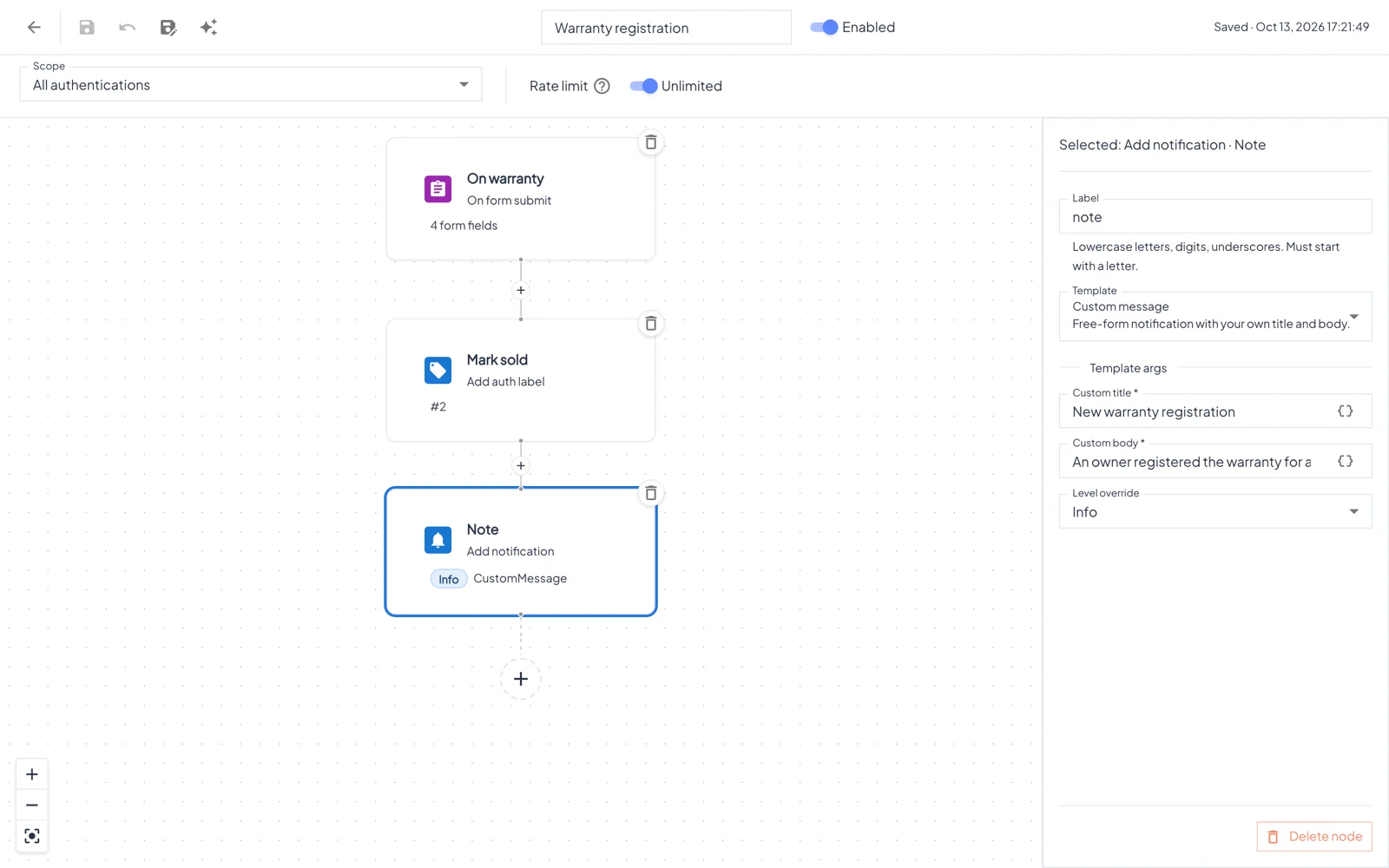
Every time a High or Critical alert is raised for this asset, the workflow runs. Block authentication acts only on alerts about one specific tag (cloned chip, impossible travel, velocity); for gray-market and invalid-burst alerts it is skipped, but the notification is still sent. Open the runs count in the list to see each run, the product it acted on and the result of every step.