Automation
15 Workflows
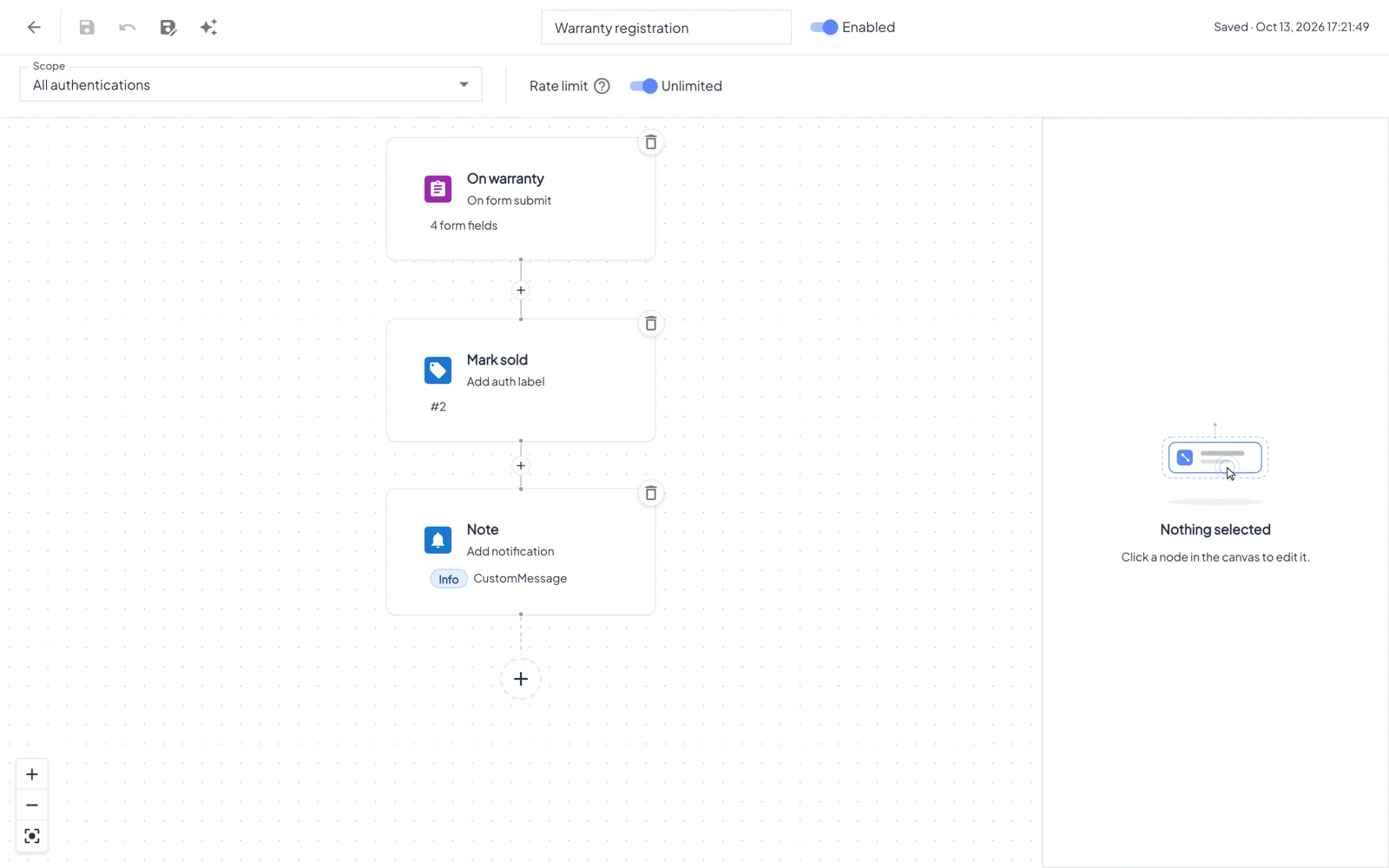
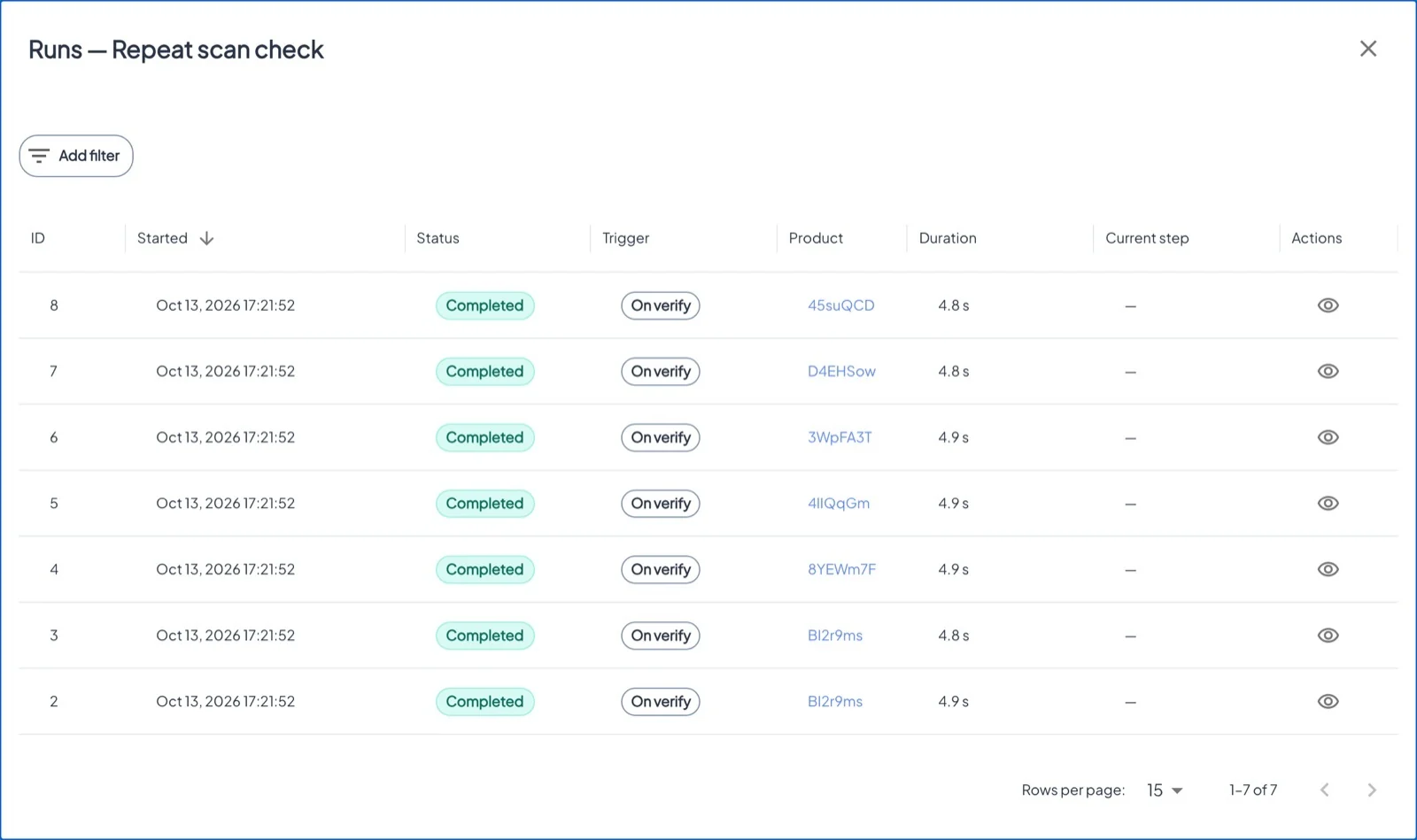
Workflows react to what happens to your products, without anyone watching the screen: block a cloned tag, label a product when its warranty is registered, warn the team about repeated scans, or tell your CRM.
Este capítulo todavía no está disponible en Español, por lo que está leyendo la versión en inglés.
Ubicación Asset → Workflows tabLicencia Workflows
Building blocks#
Triggers
On verify (every genuine scan) · On form submit · On product blocked · On product create · On external webhook · On fraud detected (with a minimum severity).
Actions
Show form · Send mail · Block product · Block authentication · Update custom fields · Add notification · Add label · Add auth label · HTTP request.
Logic
Condition with AND/OR groups on fields, country, OS, tag type, scan counts, distance from the last scan, time of day, product age or labels, with then/else branches. Delay waits minutes, hours or days.
Good to know#
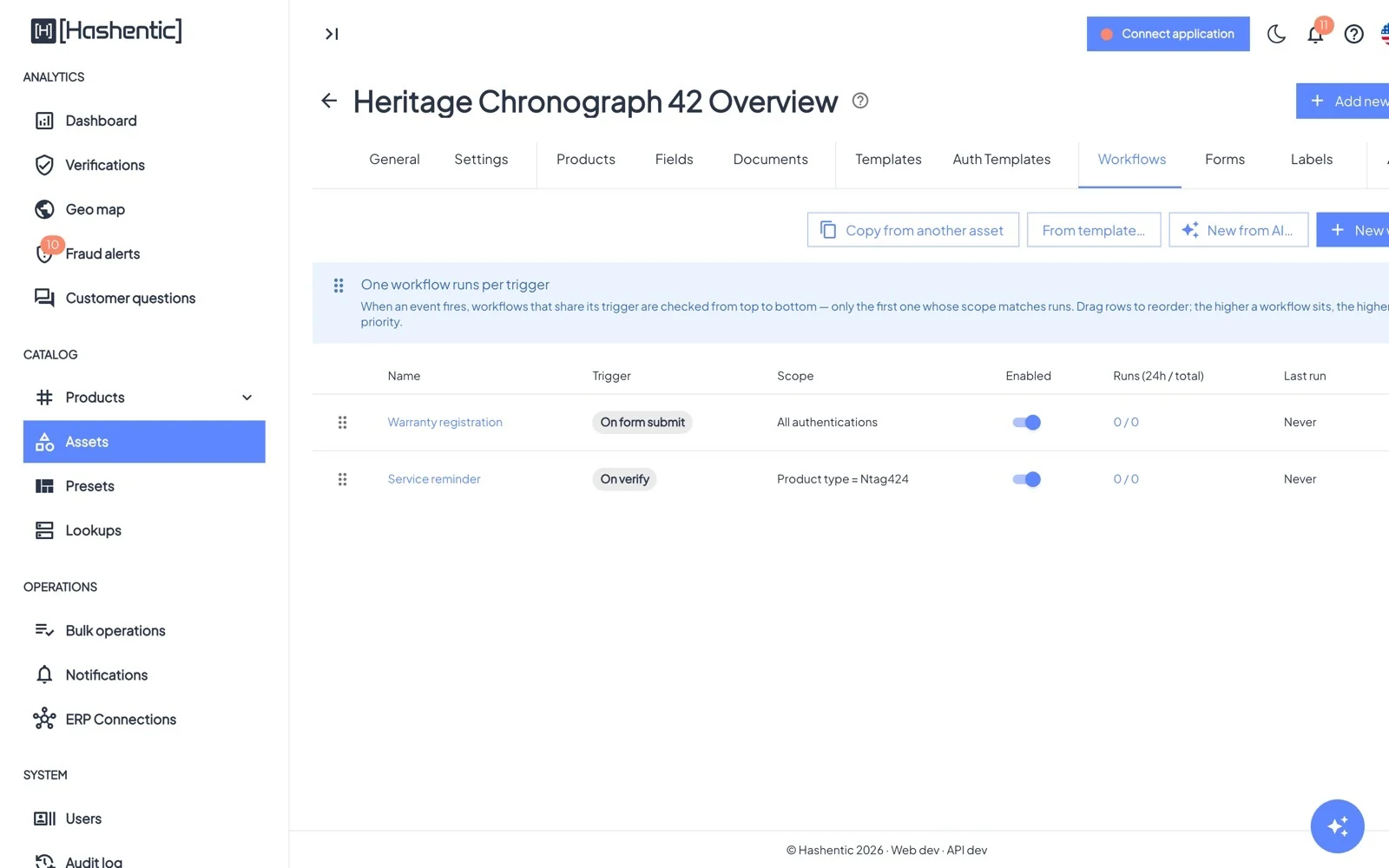
- One workflow runs per trigger. If several workflows of an asset share a trigger, the first one (top of the list) whose scope matches runs. Drag rows to set the order.
- Scope limits a workflow to a tag type or category, a field value, specific tags, or tags with a label.
- Every save creates a new version; you can view and restore earlier ones.
- Start from From template… (for example Anti-counterfeit: block on second scan), copy from another asset, or describe the workflow to New from AI….
- In text fields, the token picker inserts values such as the scan's country, the product ID or a custom field.