Catalog
13 Presets and lookups
Two tools that keep a large catalog consistent: presets reuse a structure, lookups reuse values.
Este capítulo todavía no está disponible en Español, por lo que está leyendo la versión en inglés.
Presets#
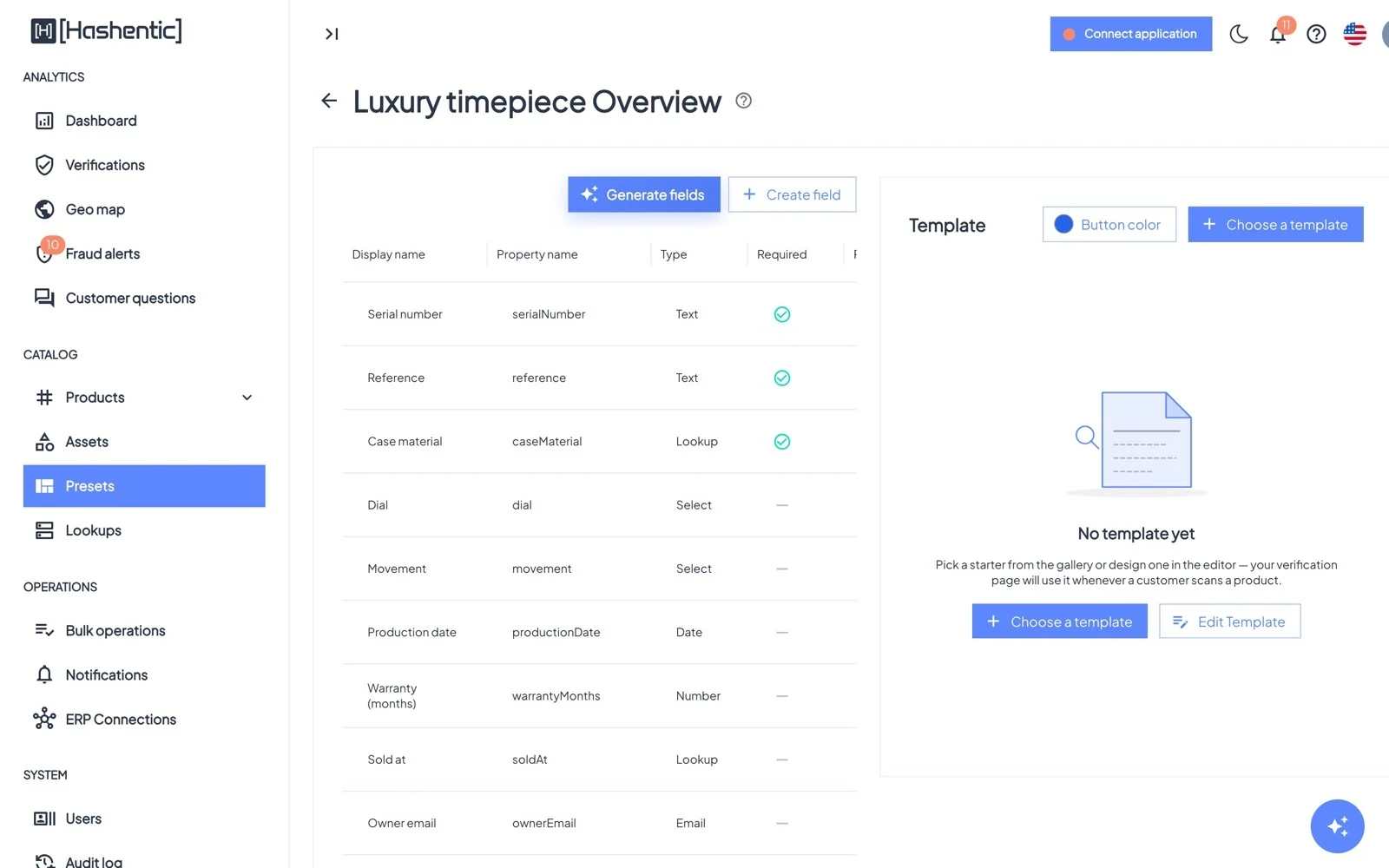
A preset is a bundle of fields and a page template. Create one with Create preset, then add fields and choose a template exactly as on an asset. When you create an asset, choose the preset in Use preset and the asset starts with the same fields and page. System presets are provided by Hashentic; user presets are yours.
Lookups#
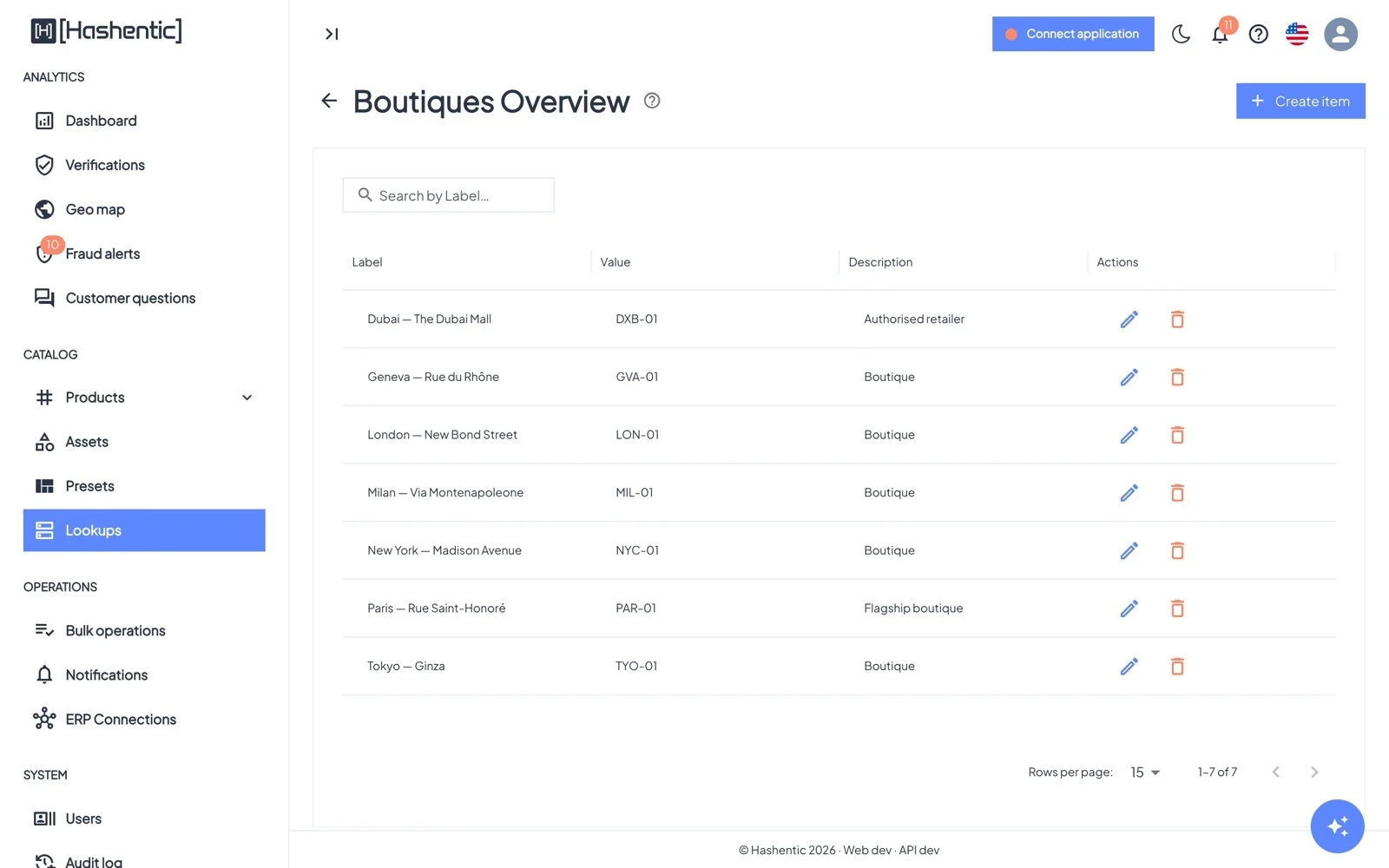
A lookup is a named list, such as materials, boutiques or markets. Each item has a Value (stored on the product), a Label (shown to people) and a description.
Add items one by one (Single mode) or import a CSV or Excel file (Multiple mode, with the Bulk write license feature and the Write products permission), mapping its columns to value, label and description. Tick Override to replace the whole list.
Then use the lookup in any number of Lookup fields.