Automation
15 Workflows
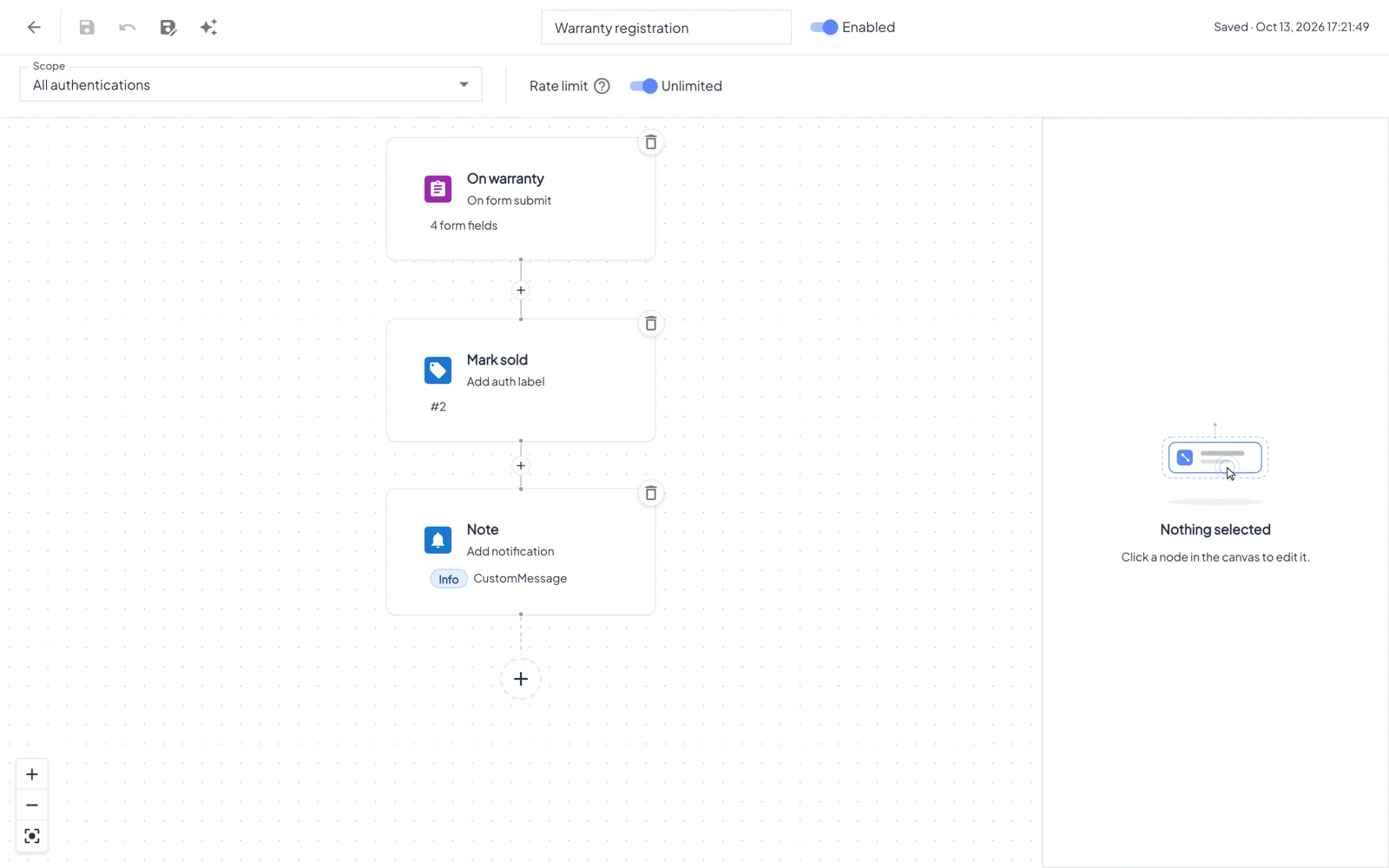
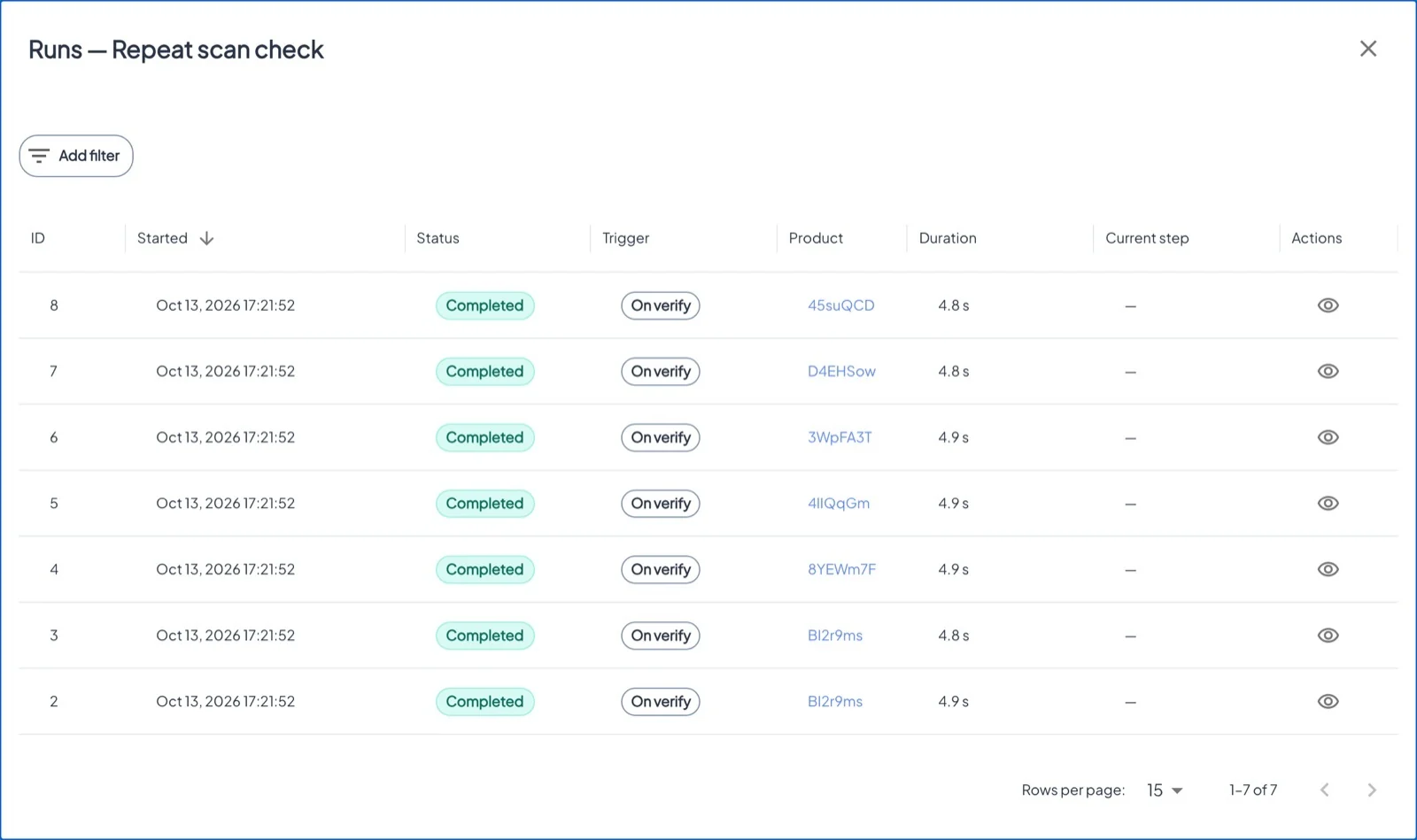
Workflows react to what happens to your products, without anyone watching the screen: block a cloned tag, label a product when its warranty is registered, warn the team about repeated scans, or tell your CRM.
Эта глава пока недоступна на языке: Русский, поэтому Вы читаете английскую версию.
Где Asset → Workflows tabЛицензия Workflows
Building blocks#
Triggers
On verify (every genuine scan) · On form submit · On product blocked · On product create · On external webhook · On fraud detected (with a minimum severity).
Actions
Show form · Send mail · Block product · Block authentication · Update custom fields · Add notification · Add label · Add auth label · HTTP request.
Logic
Condition with AND/OR groups on fields, country, OS, tag type, scan counts, distance from the last scan, time of day, product age or labels, with then/else branches. Delay waits minutes, hours or days.
Good to know#
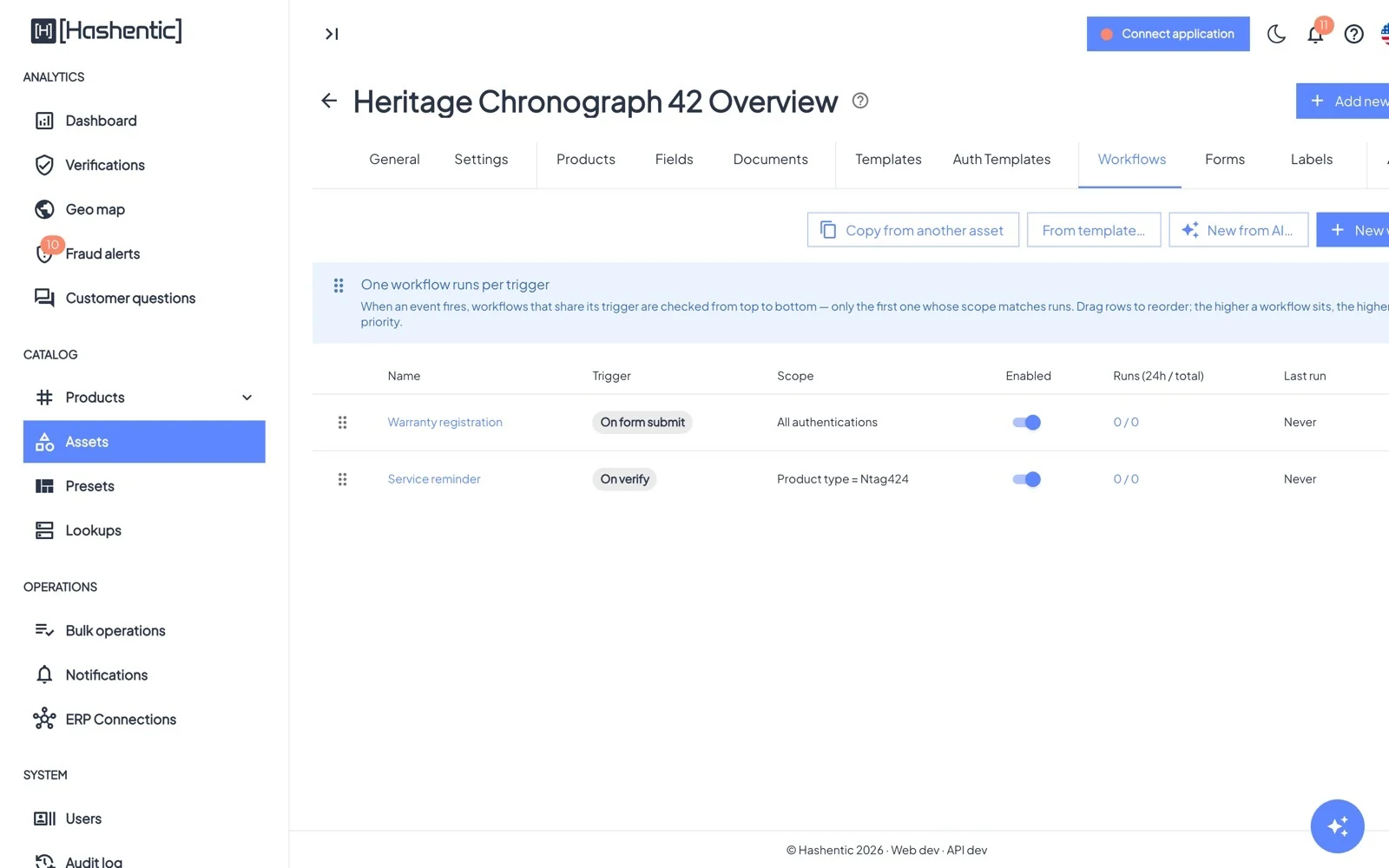
- One workflow runs per trigger. If several workflows of an asset share a trigger, the first one (top of the list) whose scope matches runs. Drag rows to set the order.
- Scope limits a workflow to a tag type or category, a field value, specific tags, or tags with a label.
- Every save creates a new version; you can view and restore earlier ones.
- Start from From template… (for example Anti-counterfeit: block on second scan), copy from another asset, or describe the workflow to New from AI….
- In text fields, the token picker inserts values such as the scan's country, the product ID or a custom field.