System
20 Users and access
Give each person their own account, with exactly the permissions and product lines their job needs.
Эта глава пока недоступна на языке: Русский, поэтому Вы читаете английскую версию.
Лимит number of users in your license
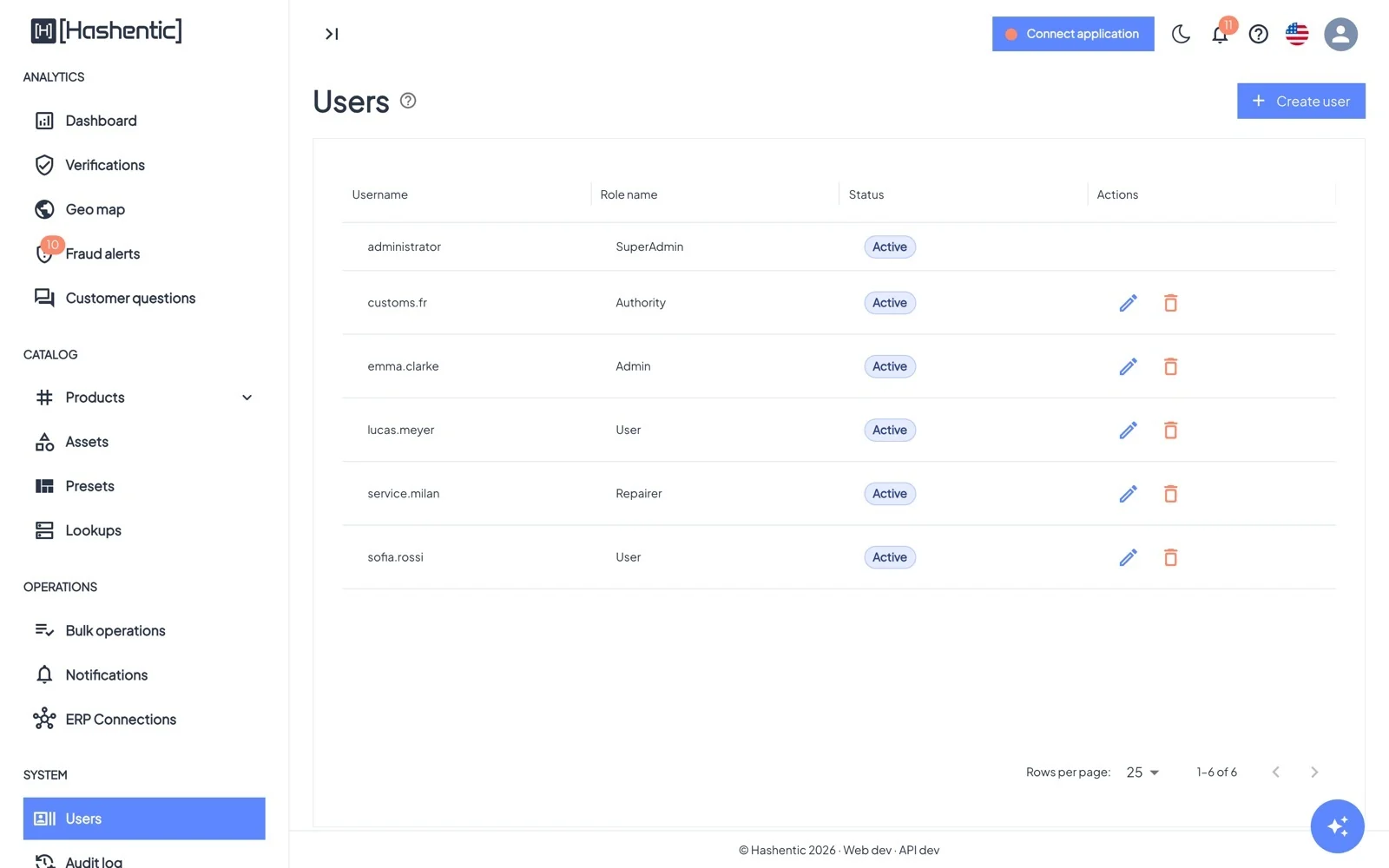
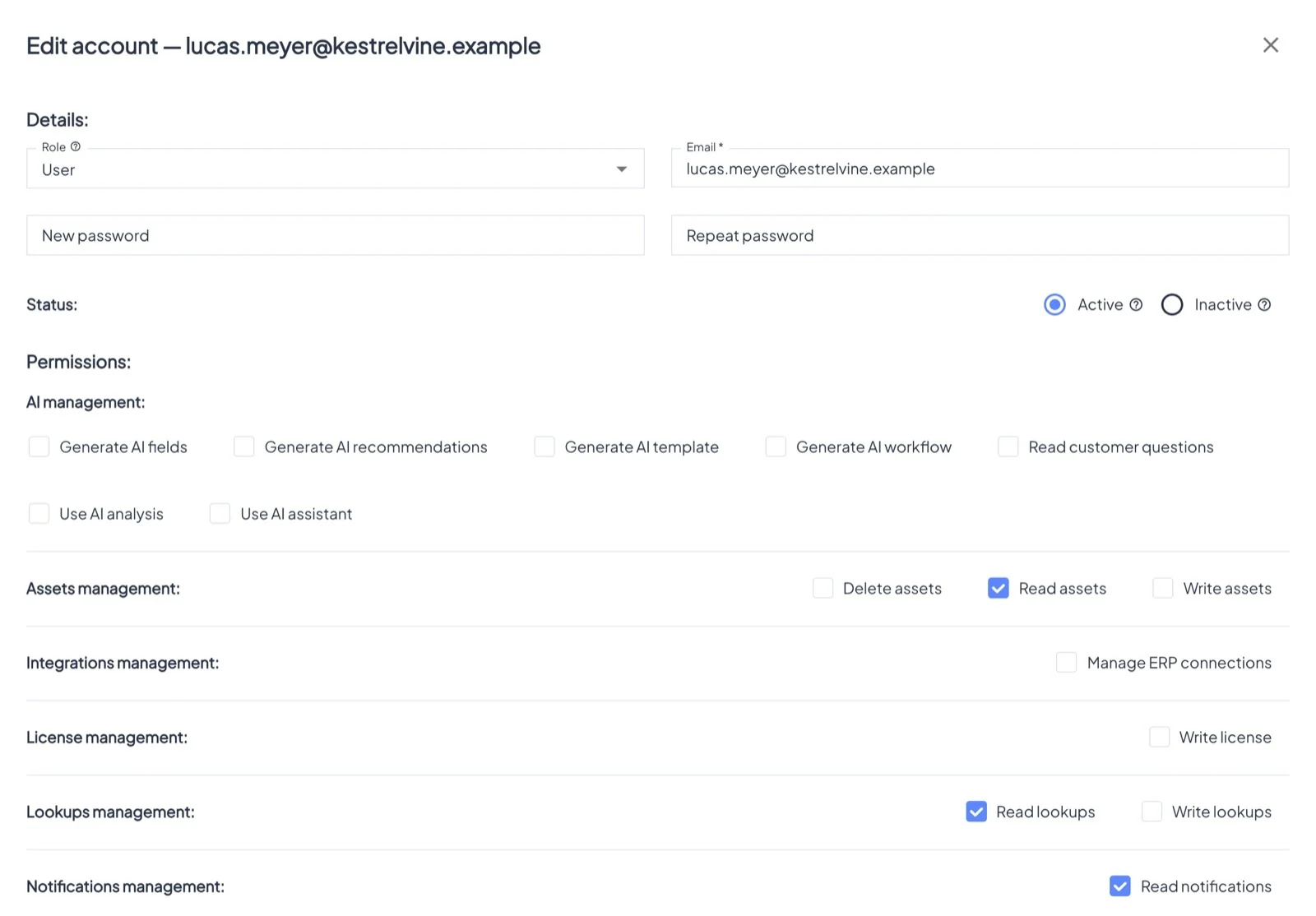
Create user asks for:
- Username and Email.
- Role: Admin, User, or a partner role (Authority, Recycler, Repairer). Permissions that come with the role are ticked and cannot be removed.
- Password: at least 12 characters with a letter and a digit. You set it and pass it on; no invitation email is sent.
- Status: Active users can sign in; Inactive users keep their data but cannot.
- Permissions, grouped by area.
- Allowed assets for roles that do not see everything.
To reset someone's password, type a new one when editing the account; this also signs them out. Nobody can give out a higher role or permissions they do not have themselves.