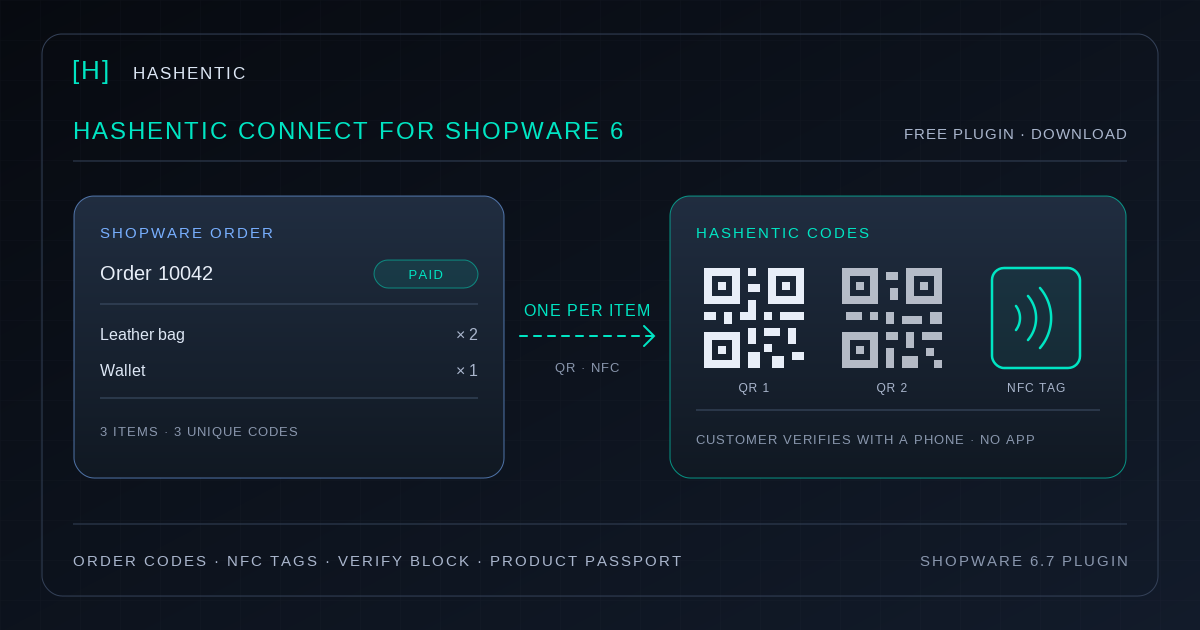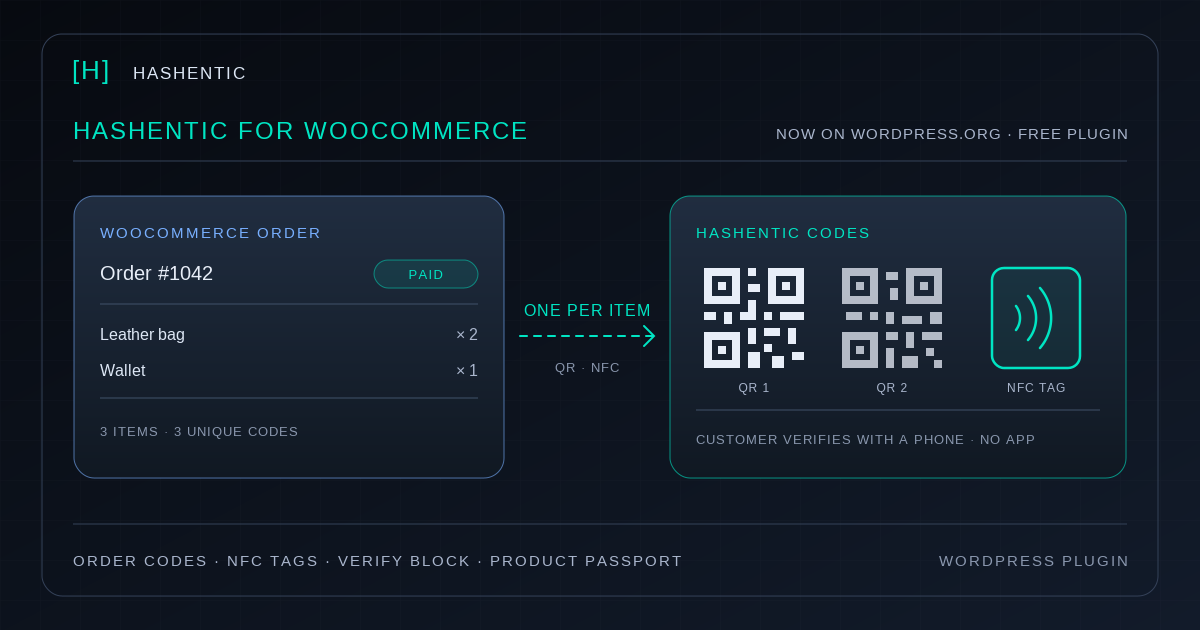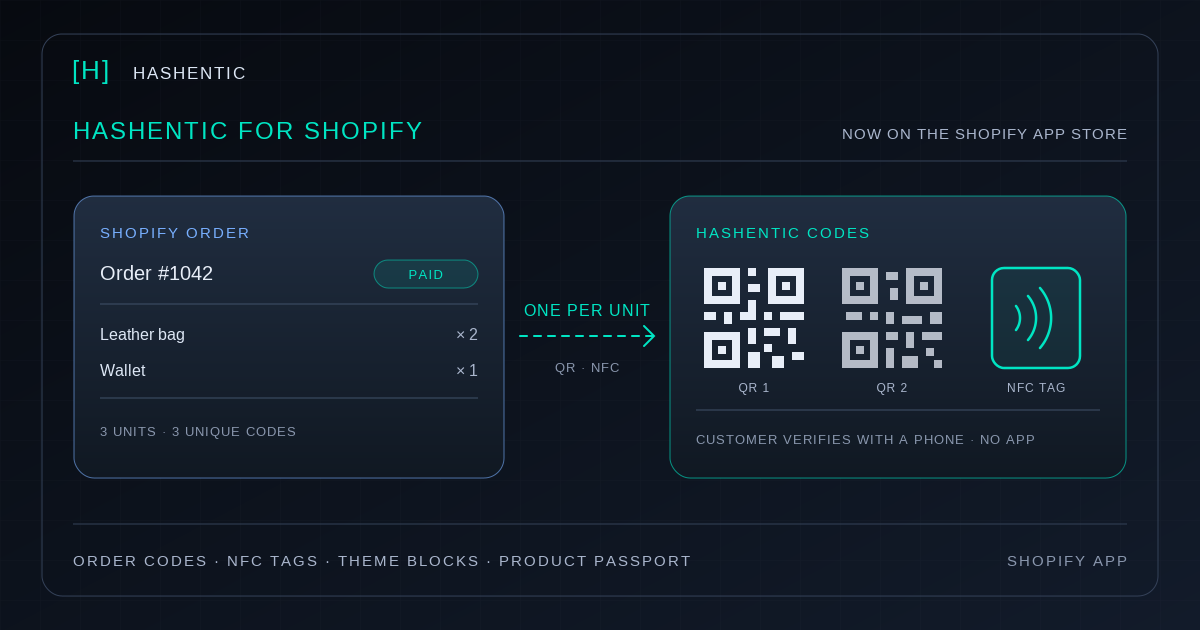
Hashentic: Anti-Counterfeit has been approved by Shopify and is listed on the Shopify App Store. Install it from your Shopify admin, choose the products to protect and every unit you sell gets its own verifiable identity: a unique QR code or a secure NFC tag that a customer checks with a phone.
Activating the app creates your Hashentic account in a few minutes and starts a free trial. Plans and packs are billed through Shopify, on your Shopify bill.
What the app does
- Codes for every order. When an order with a protected product is paid (or fulfilled, if you prefer), each unit gets its own code. Look up the order in the app and print its labels.
- Secure NFC tags at packing. Set a product to ship with an NFC tag. At packing, scan the order's packing code in the Hashentic mobile app and write a tag for each unit. NTAG 424 DNA and EM4425 tags sign every tap, so a copied tag is detected.
- Code batches. Issue codes for stock you label before it is sold and download print-ready PDF labels or a CSV for your label printer.
- Verify authenticity block. Add the block to your product template from the theme editor. It explains how to check an item and links to your verification site.
- Digital product passports. Create an EU digital product passport for each protected product, publish a public GS1 Digital Link page for every GTIN and show it on the product page with the Product passport block.
- Owner invitations. On the Business plan, buyers can get an invitation to register as owners of items with an NTAG 424 DNA or EM4425 tag once the order is fulfilled. You turn it on in the app and in the Hashentic admin panel, Shopify must approve the app's access to buyer e-mail addresses, and your store's privacy policy should say the address is shared for the invitation.
The app speaks the language of your Shopify admin: English, German, Spanish, French, Polish, Portuguese, Russian or Chinese.
How it works
- Install Hashentic from the Shopify App Store and open it from Apps in your Shopify admin.
- Activate. The store owner accepts the terms and clicks Activate Hashentic. Your Hashentic account is created in one to three minutes, with a free trial.
- Protect products. Open Protected products and pick products in the Shopify product picker. Each one becomes a product line in Hashentic.
- Sell as usual. By default, every paid order with a protected product gets one QR code per unit; you can switch this to fulfilled orders in Settings. Open Orders, enter the order number and print the labels. Units of products that ship with an NFC tag wait for their tag, which you write at packing.
- Your customer verifies. They scan the QR code with the phone camera or tap the NFC tag. No app is needed.
Refunds and cancellations never switch a code off: a genuine item stays genuine after a refund. Codes keep the product title and variant they were issued for, so editing or deleting a product in Shopify never stops a printed code from verifying.
QR code or NFC tag
You choose what each product ships with.
| QR code | NFC tag | |
|---|---|---|
| Where the code comes from | Printed label for the order or a code batch | Written to a blank tag at packing |
| What you need | A printer | The Hashentic mobile app and NFC tags |
| Copy protection | Hashentic flags codes that are scanned in unusual patterns | NTAG 424 DNA and EM4425 sign every tap, so a copied tag fails. NTAG 215 has no copy protection |
Swipe or scroll horizontally to compare columns.
NFC writes depend on your plan. The NFC tags page in the app shows how many tags you can write this month and which tags to buy.
Product passports for EU rules
Every protected product is listed under Product passports, where you create its passport. Fill from Shopify copies the title, description and variant barcodes; if your plan includes AI, Draft with AI fills empty fields from the product description, and you confirm every suggested value before you publish. Passports cover general products (ESPR and the General Product Safety Regulation) and textiles and apparel.
A published passport gets a public page for each variant with a GTIN at your verification address, addressed by the GTIN in the GS1 Digital Link format, with a downloadable QR code for labels and hangtags. With the Product passport block on your theme, shoppers see the materials, care and safety information, and the responsible business required by GPSR, before they buy.
What the app receives from your store
- Products you protect: titles, images, variants and barcodes.
- Orders with protected products: the order number, the order lines, variants and quantities.
- Passport data that you enter.
- Buyer e-mail address and language only if you turn on owner invitations, once per fulfilled order, for the invitation.
The app never stores customer names or addresses.
If you uninstall the app, the Shopify subscription ends and your account moves to the Free plan. Your verification site and every printed code keep working. Reinstall within 48 hours and the app reconnects to the same account; after that, a new installation creates a new account. Either way you activate again and choose a plan again.
What it costs
The app is free to install. Plans and prepaid packs are billed by Shopify in US dollars, every 30 days for plans and once for packs:
| Plan | Price per 30 days | Includes |
|---|---|---|
| Free | $0 | 2 product lines, 300 QR codes and 1,000 tracked scans a month, 10 NFC writes |
| Start | $49 | 10 product lines, 5,000 QR codes, 10,000 tracked scans and 100 NFC writes a month |
| Pro | $199 | 100 product lines, 25,000 QR codes, 30,000 tracked scans and 2,500 NFC writes a month |
| Business | $499 | 1,000 product lines, 100,000 QR codes, 150,000 tracked scans and 7,000 NFC writes a month |
Swipe or scroll horizontally to compare columns.
A new store starts with a free trial. Choosing a plan ends the trial and starts billing on the day you approve the charge in Shopify. You can upgrade, downgrade or switch to Free at any time from Plan and packs. Prepaid packs add QR codes, NFC writes, tracked scans, workflow runs or AI on top of the monthly allowance and are valid for 12 months. Packs need a paid plan that includes that pack type, and only the store owner can change the plan or buy packs.
Frequently asked questions
Is the Hashentic app free to install?
Yes. Installing is free and every store starts with a free trial. After the trial the account moves to the Free plan unless you choose a paid plan.
How do I pay for Hashentic on Shopify?
Through Shopify. Plans and packs appear on your Shopify bill, and you approve every charge in Shopify before it starts.
When does an order get its codes?
When the order is paid, by default. In Settings you can switch to fulfilled orders, or turn automatic codes off and issue batches yourself.
Do my customers need an app?
No. A QR code opens in the phone camera and an NFC tag opens when the phone is held to it. The Hashentic mobile app is only for your team, to write NFC tags at packing.
What happens to my codes if I uninstall the app?
They keep working. Your verification site stays online and the account remains yours on the Free plan.
Do I also get the Hashentic admin panel?
Yes. The app creates and runs a Hashentic account for your store, and the store owner receives the sign-in details by e-mail. Everything you do in the app also appears in the Hashentic admin panel, which stays available for page templates, fraud alerts, workflows and NFC tags.
Get started
Install Hashentic: Anti-Counterfeit from the Shopify App Store and protect your first product today. The step-by-step instructions are in the user guide chapter Use Hashentic with Shopify. Questions about your store? Talk to us.
All Hashentic integrations, with links to the app stores, are on the integrations page.
Read the guide chapter