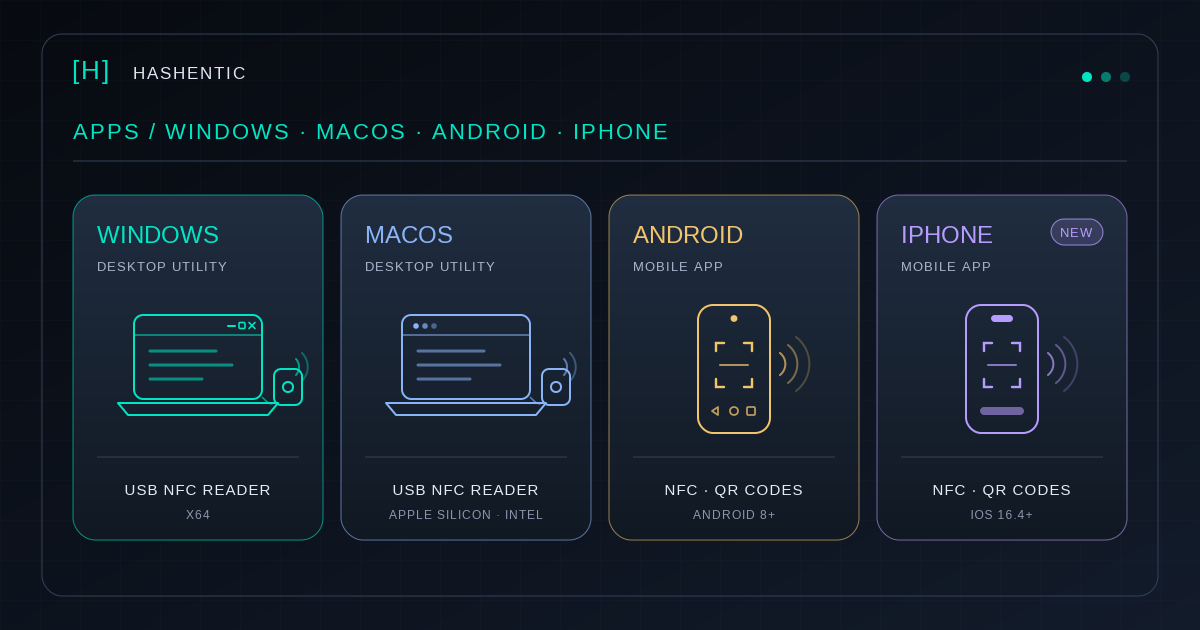
The Hashentic app is now on the App Store for iPhone and on Google Play for Android. Together with the Desktop utility for Windows and macOS, every place where your team handles a product now has its own Hashentic app: the shop floor, the warehouse, the packing bench and the production line.


What runs where
| Platform | App | Best for | How to get it |
|---|---|---|---|
| iPhone, iOS 16.4 or later | Hashentic mobile app | Checking products, managing product records and writing NFC tags on the go | App Store |
| Android 8.0 or later | Hashentic mobile app | The same features on Android phones | Google Play or APK download |
| Windows, 64-bit | Desktop utility | Writing tags at a workstation with a USB NFC reader | Admin panel: Applications Setup desktop utility |
| macOS, Apple silicon and Intel | Desktop utility | The same workstation flow on a Mac | Admin panel: Applications Setup desktop utility |
| Any modern browser | Admin panel | Catalog, verification pages, analytics, users and settings | Sign in to your workspace |
Swipe or scroll horizontally to compare columns.
One app for shoppers and staff
Anyone can check a product
Open the app and tap Check a product. Scan the QR code, tap the NFC tag or type the link: no account and no sign-up. Before it opens anything, the app confirms that the link belongs to a registered Hashentic workspace, and only then shows the brand's verification page.
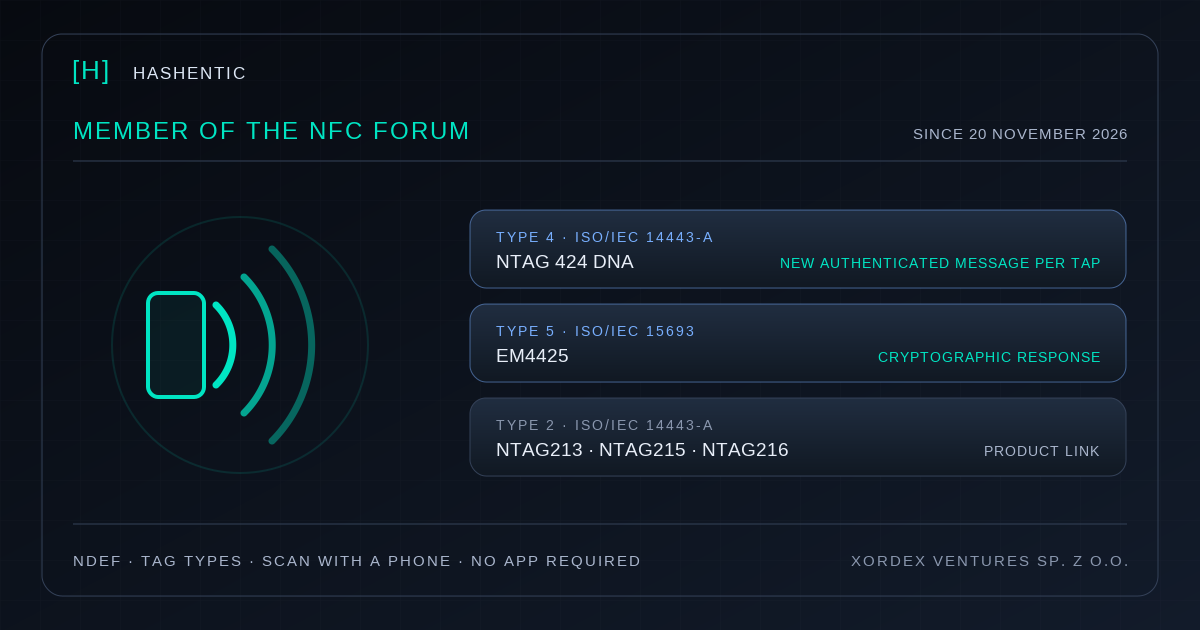
Secure tags such as NTAG 424 DNA and EM4425 sign every tap, so a copied tag is detected.
Staff work where the product is
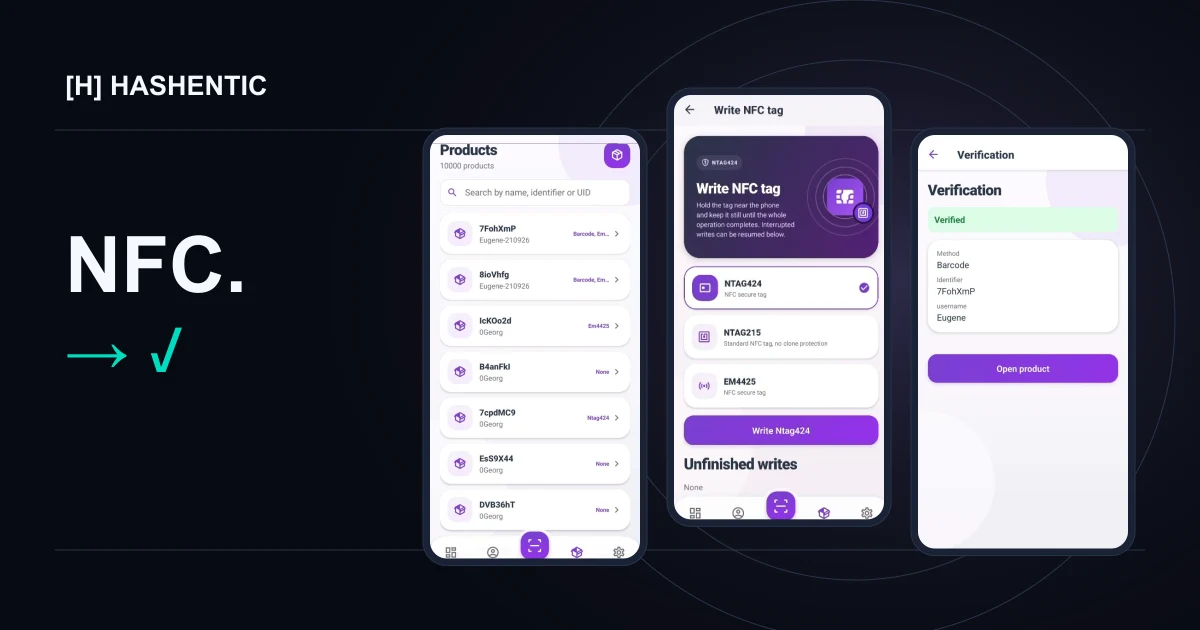
Staff sign in to their organization's workspace with a password or by scanning a QR code from the admin panel. From there the app covers the everyday work around physical products:
- Find products by identifier or tag UID and filter them by asset, label, tag type and status.
- Create products and edit their fields, as the account's permissions allow.
- Write NTAG 424 DNA, NTAG 215 and EM4425 tags with cryptographic read-back. Interrupted writes can be finished later.
- Pack Shopify orders: scan the packing code and write a tag for each item.
- Protect the app with a PIN, Face ID or fingerprint.
Screens shown in English. The verification method depends on the tag or code you scan.
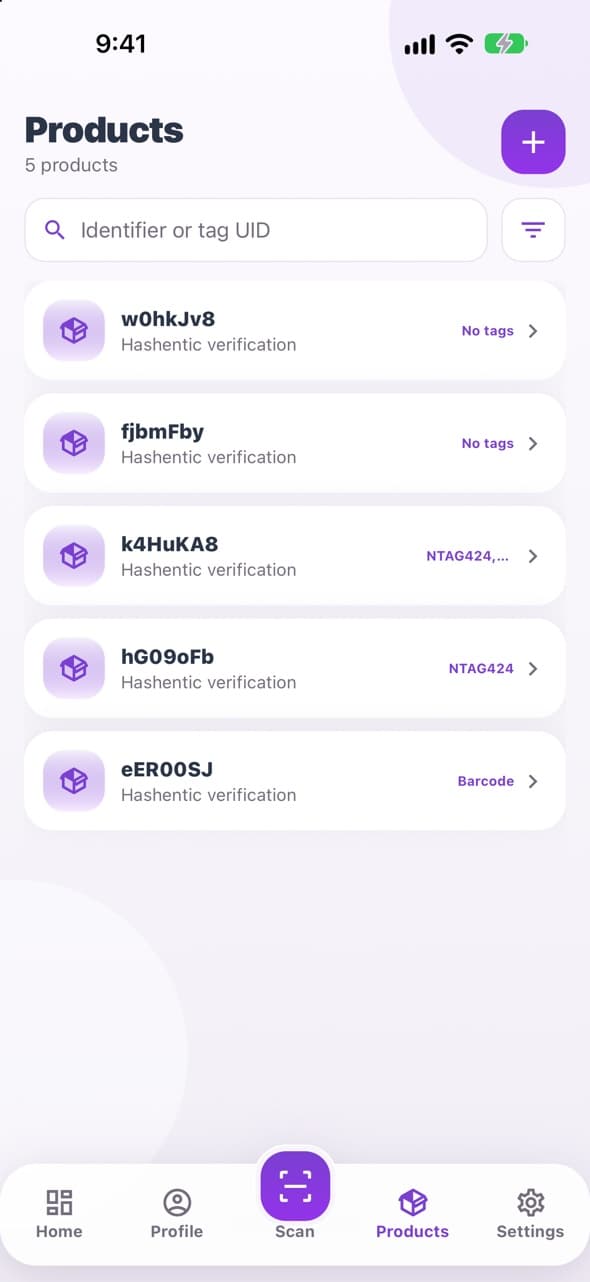
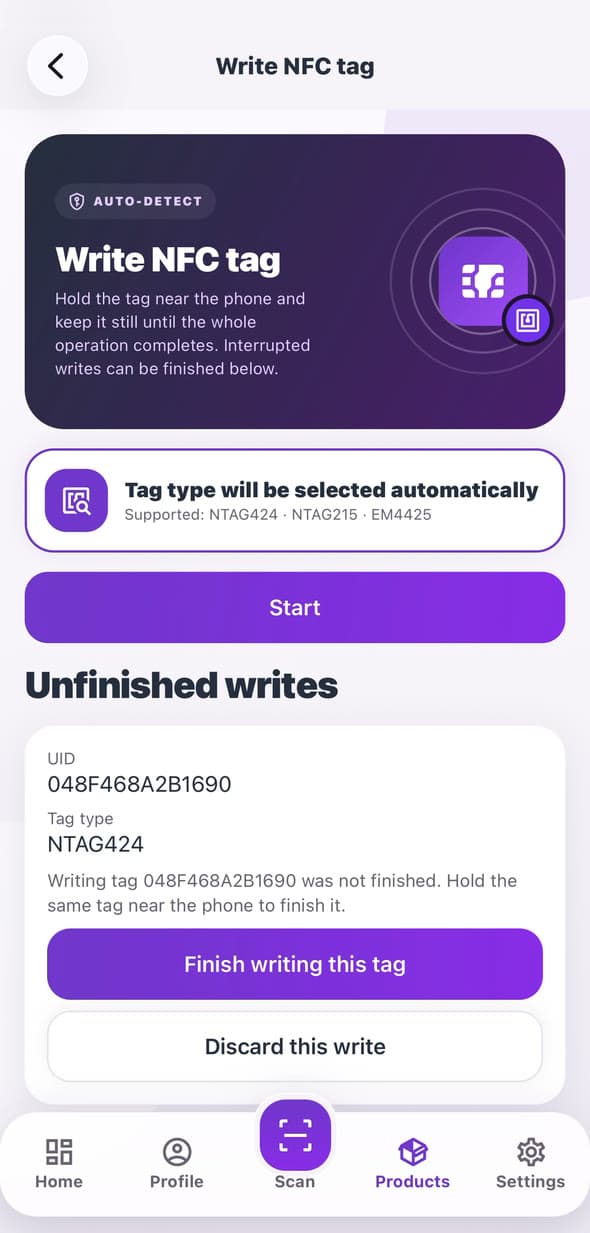
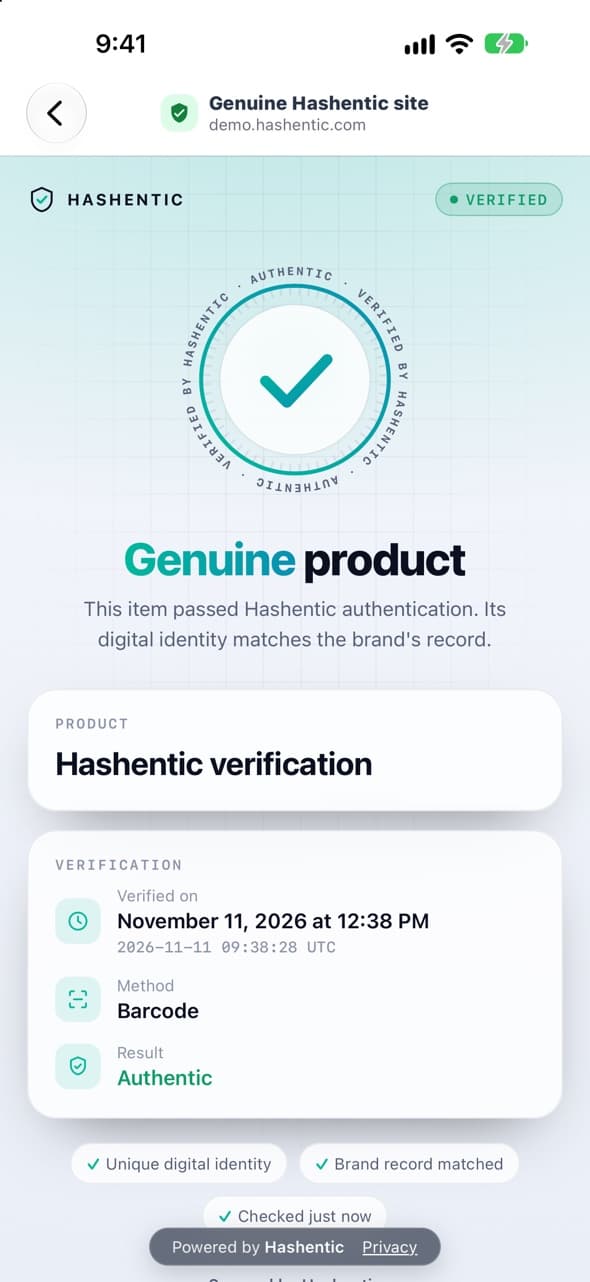
Your catalog, right where you need it.
The Desktop utility: the workstation side
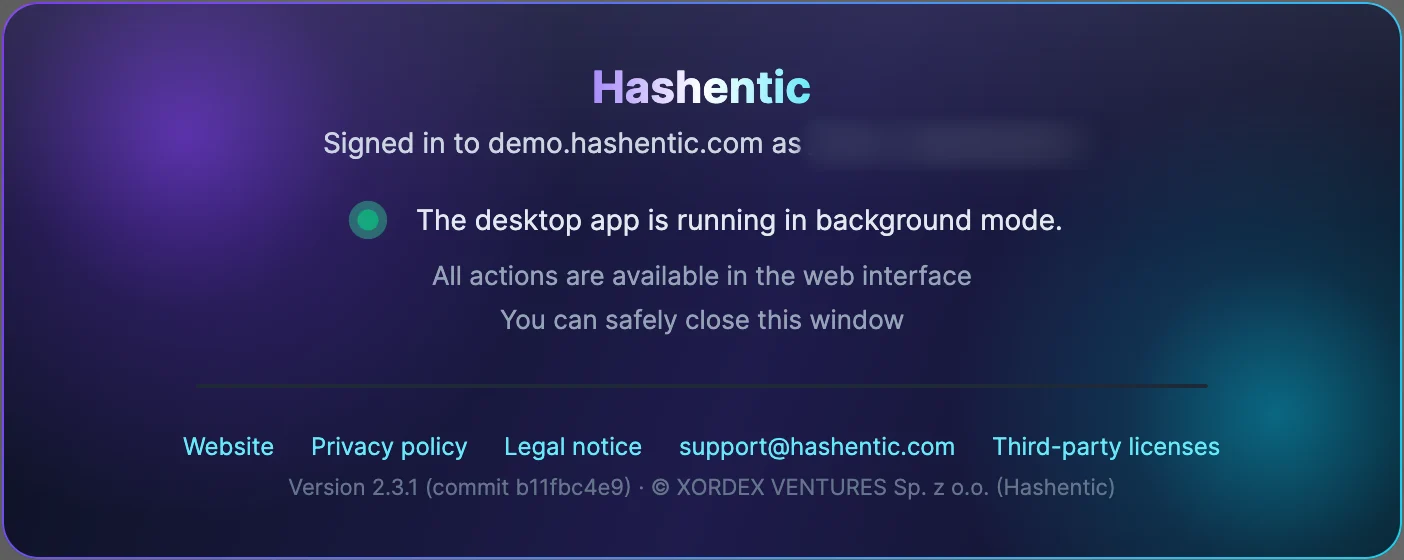
Some tags are written in batches, at a desk or on a production line. The Desktop utility is a small app for Windows and macOS that connects a USB NFC reader to your Hashentic account while you keep working in the browser. It runs in the background, shows which account it is connected to, and installs updates only when it is idle, never in the middle of writing a tag. It speaks English, German, Spanish, French, Polish, Portuguese, Russian and Chinese.
Privacy by design
- No account to check a product. Shoppers verify a product without signing up.
- AI stays optional. At first launch the app asks about the product AI assistant, with the switch off by default. Without consent, product pages open without the assistant.
- No ad or analytics SDKs. The app contains no third-party advertising or analytics code.
Get started
- iPhone: download Hashentic from the App Store.
- Android: install Hashentic from Google Play or download the APK file directly. In the admin panel, menu Mobile app also shows a Google Play QR code.
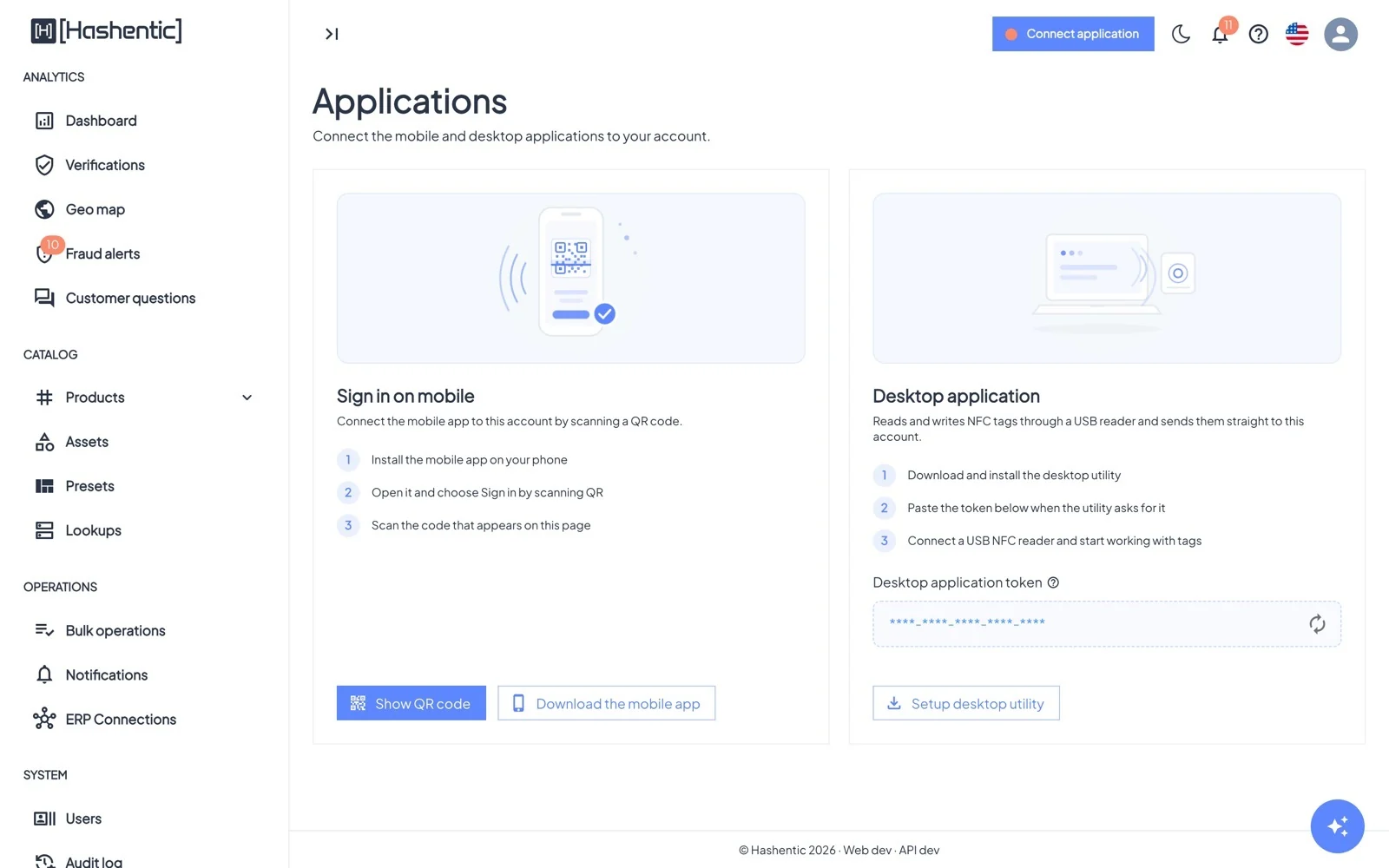
- Windows or macOS: open Applications Setup desktop utility, install it and plug in a USB NFC reader.
- Sign in on the phone: tap Staff sign-in Sign in by scanning QR and scan the code from Applications Show QR code.
Staff features use a Hashentic account from your organization. New to Hashentic? See the licensing details or explore the mobile app.
Explore the mobile app